An useful VSC extension for inserting header comment automatically and easily
- Insert code-header-comment at the top of file based on file type
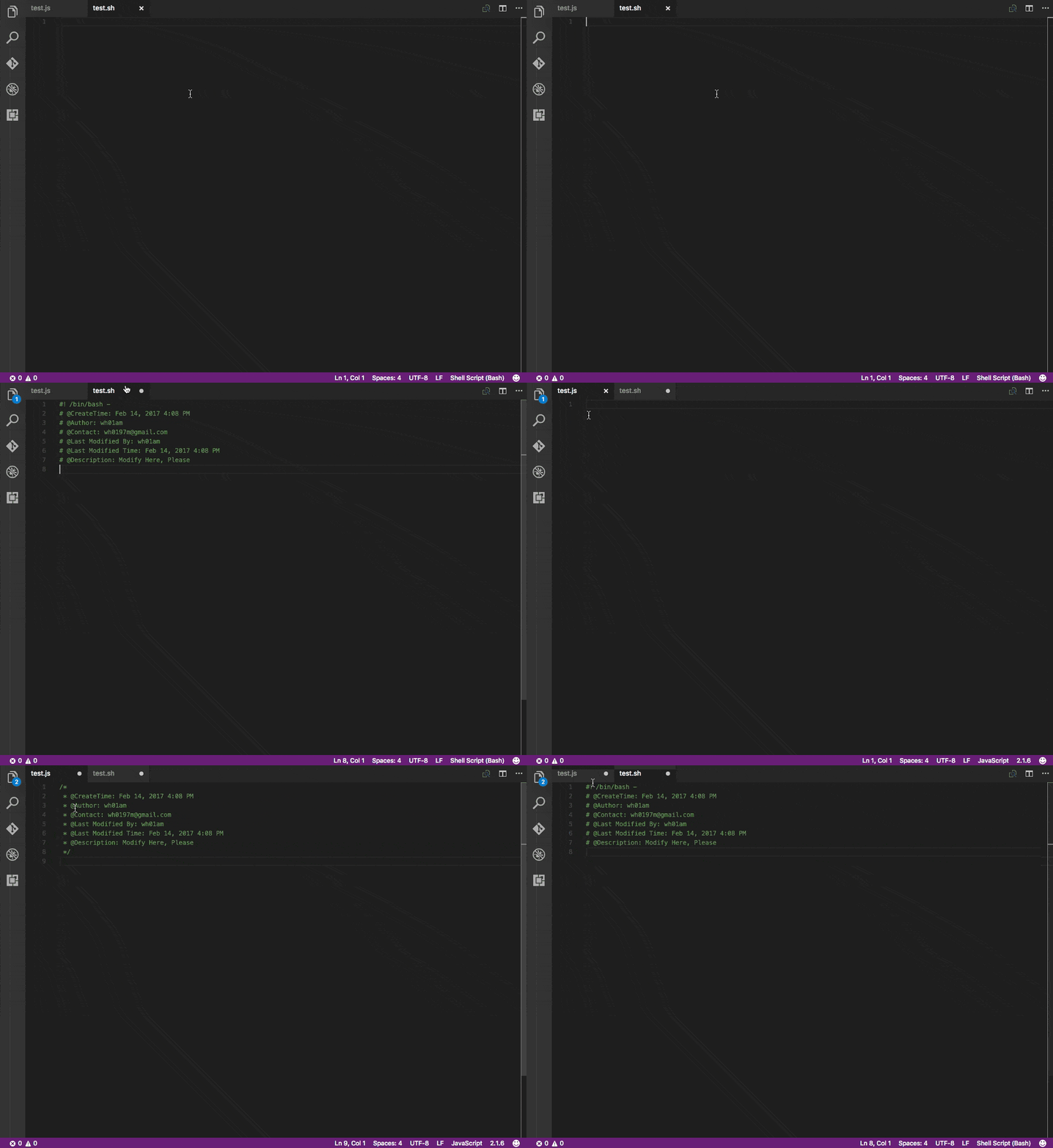
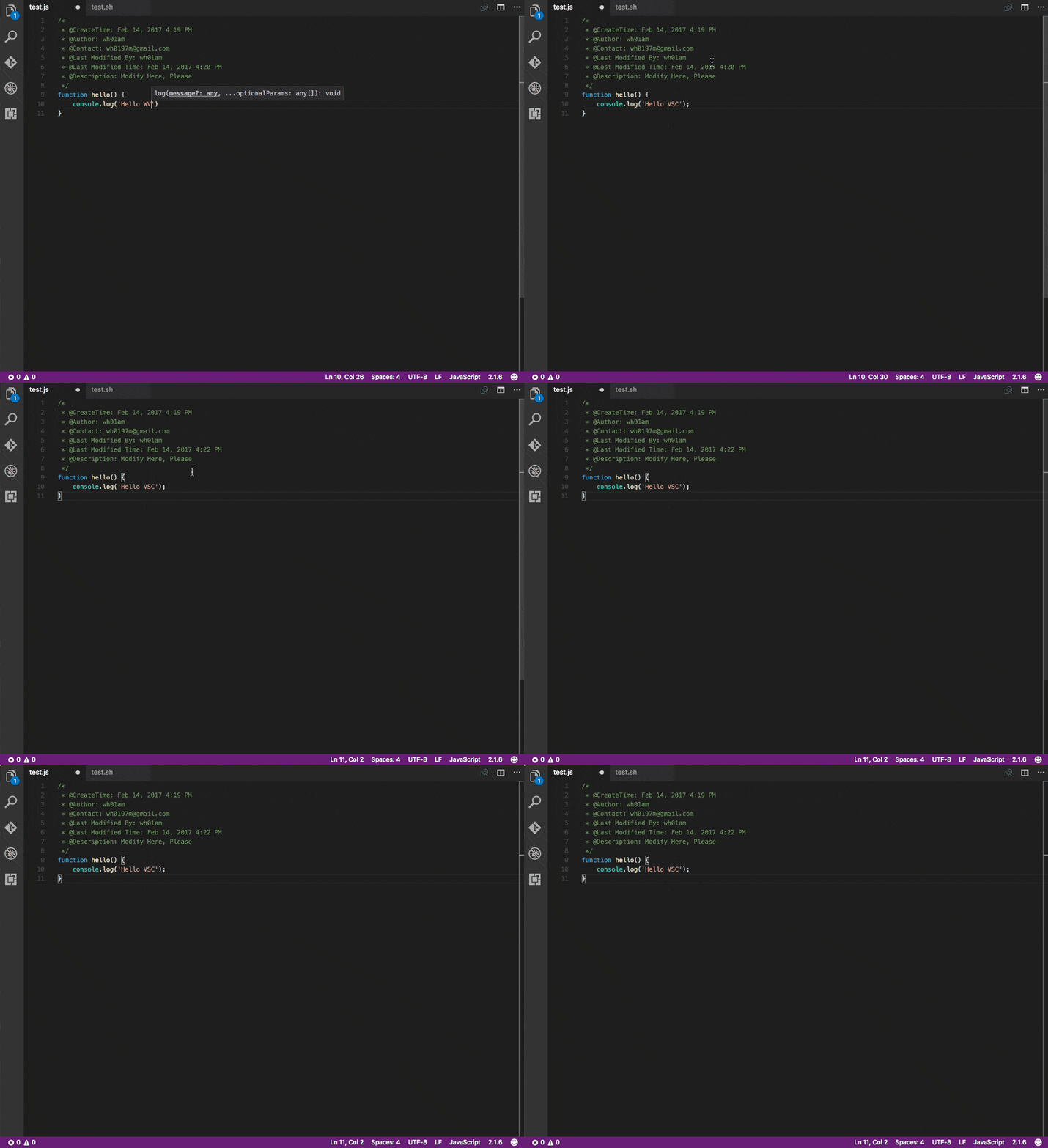
- Update code-header-comment contents automatically when you save your file
Visual Studio Code Version should be 1.8.0+
- MacOS: Press
command + shift + xand typeCodeHeaderfor installing - Windows: Press
F1and typeext install CodeHeader
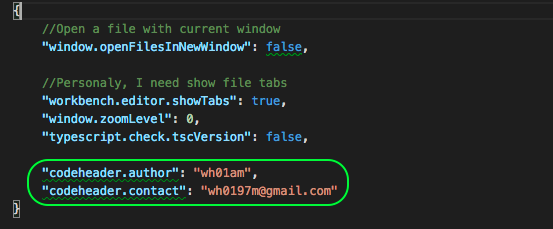
In the user settings(command + ,), you should set the author and contact
When you open a file, and the cursor blink in the current text edit window, just press ctrl + alt + h
(Of course you can change shortcut every combination you want by modifing keybindings.json)