






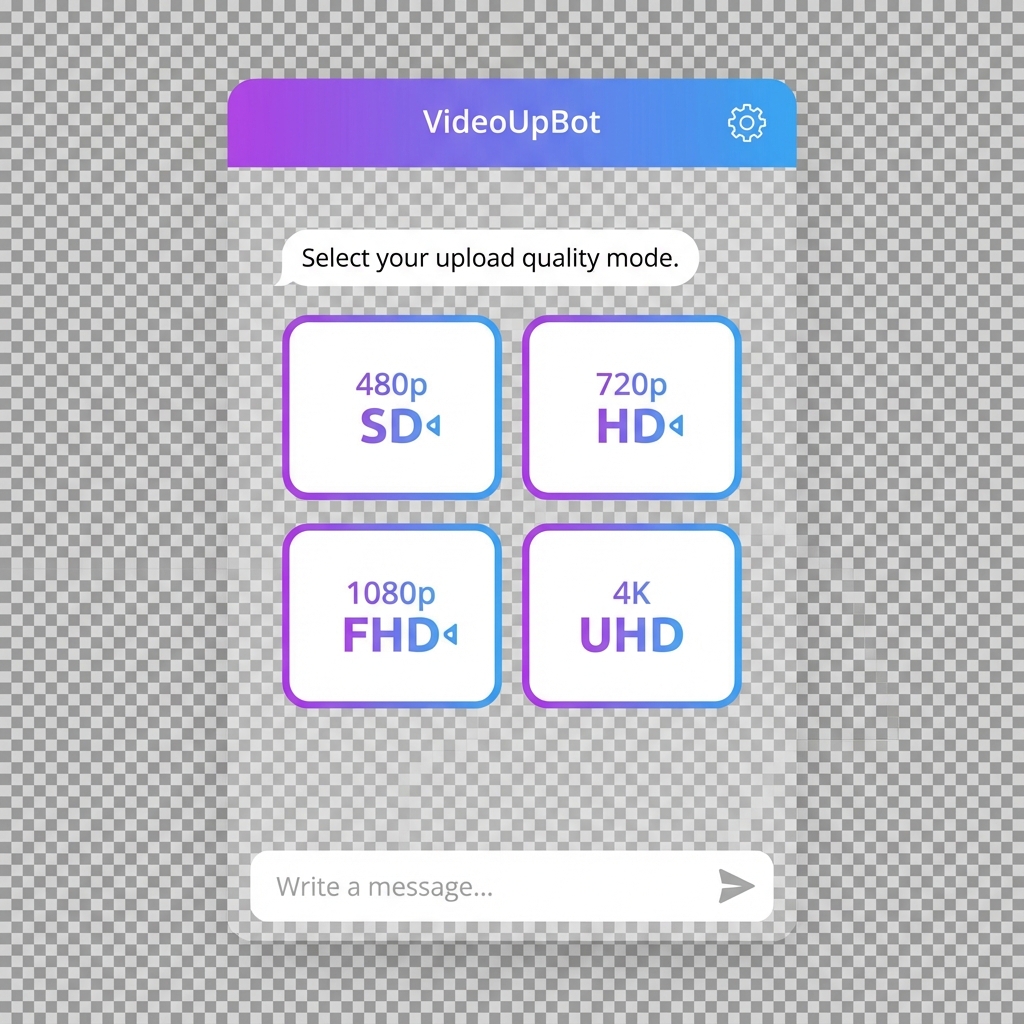
Automatically organize your media files by quality and generate grouped, shareable links
A revolutionary feature that automatically organizes your media files by quality (480p, 720p, 1080p, HDrip, WEBrip, etc.) and generates grouped, shareable links.
| Command | Description |
|---|---|
/qu or /qupload |
Start quality upload mode |
/qmode |
Toggle between filename/caption extraction |
/qdone or /qud |
Generate quality-grouped links |
/qcancel |
Cancel quality upload mode |
- Activate quality upload with
/qu - Send your media files (videos/documents)
- Auto-detect quality from filename or caption
- Generate organized links with
/qdone
480p - https://t.me/bot?start=xxx | 720p - https://t.me/bot?start=xxx | 1080p - https://t.me/bot?start=xxx
HDrip - https://t.me/bot?start=xxx
WEBrip - https://t.me/bot?start=xxx
- Resolutions:
240p,360p,480p,720p,1080p,1440p,2160p,4K - Rip Types:
BluRay,WEB-DL,WEBrip,HDrip,HDTV,DVDrip,TS,CAM - Flexible Pattern: Handles
HDrip,HD-rip,HD_rip,HD.rip,hdrip
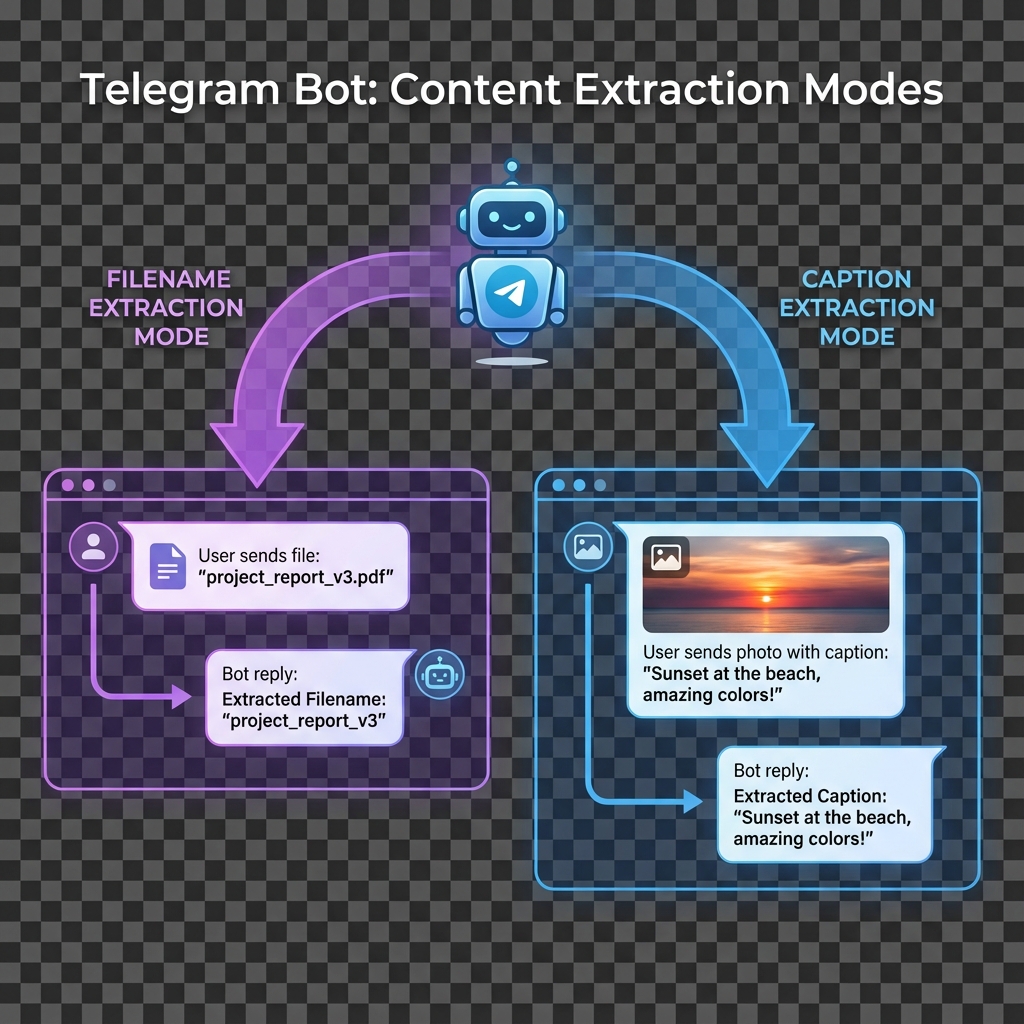
- Extracts quality from file name
- Example:
Movie.Name.2024.1080p.WEBrip.mkv→1080p&WEBrip
- Extracts quality from file caption/description
- Useful when quality is mentioned in caption
- Toggle via
/qmodecommand
- If caption mode is active but no caption exists
- Automatically falls back to filename extraction
- Ensures quality is always detected
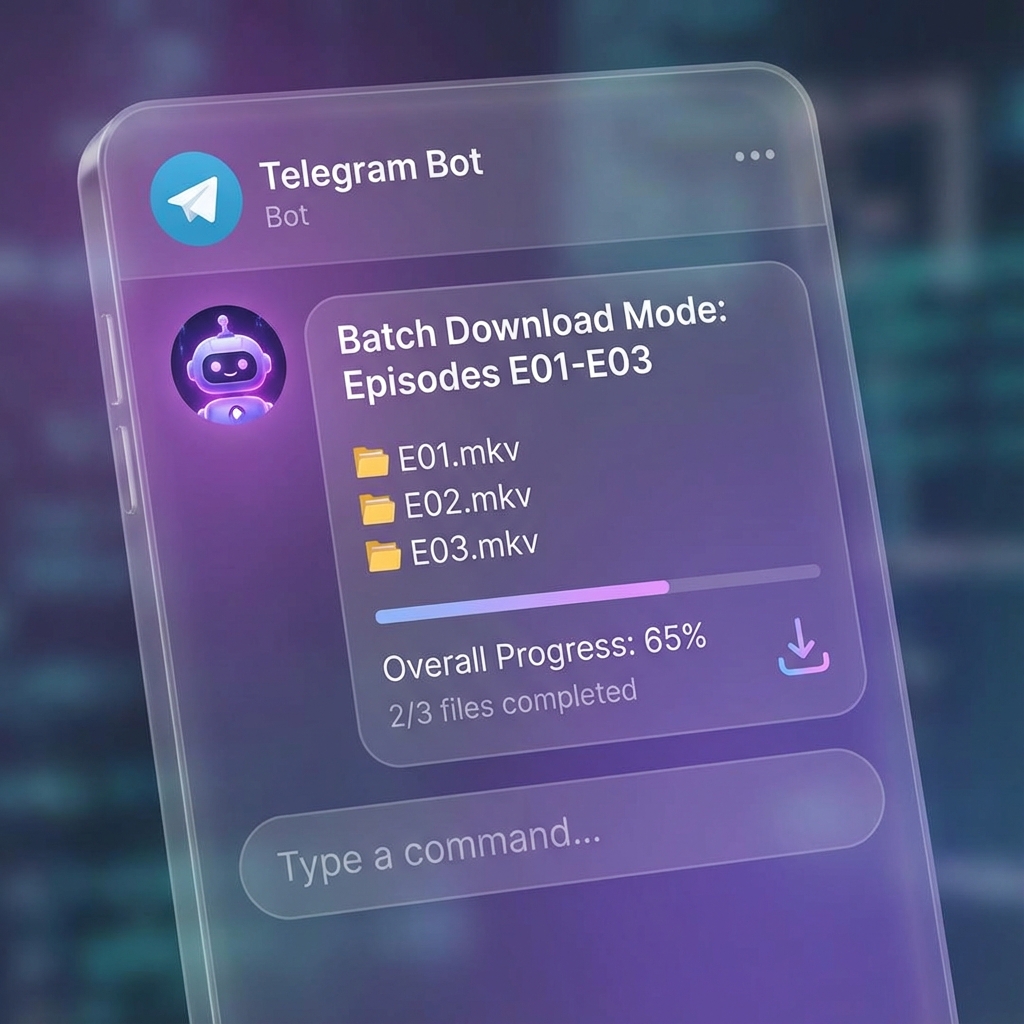
- Files now send in exact sorted order
- Episode numbers detected from multiple patterns
- Supports:
E01,Episode 01,Ep01,S01E01,[E01],-E01-
- Bot remembers exact position during FloodWait
- Resumes from where it stopped
- Real-time progress tracking
- No files skipped or duplicated
- All links now in monospace format for easy copying
- Resolution qualities grouped on one line
- Rip qualities listed separately for clarity
- 3 automatic retries on failed uploads
- 2-second delay between retries
- Graceful error handling
/qdone→/qud(quick done)- Both work identically for user convenience
- All batch and quality upload features restricted to admins
- Unauthorized users receive clear denial messages
/qu, /qupload    → Start quality upload mode
/qmode           → Toggle extraction mode (filename/caption)
/qdone, /qud     → Generate quality links
/qcancel         → Cancel quality upload
/batch           → Start batch mode
/done            → Generate batch link (episode sorted)
/cancel          → Cancel batch mode
/addadmin <user_id>  → Add a new admin (Owner only)
/rmadmin <user_id>   → Remove admin privileges (Owner only)
/adminlist           → View current admin list (Owner only)
/start           → Start the bot
/help            → Get help information
/stats           → View bot statistics
/short <url>     → Shorten a URL
|
|
- ✅ Universal File Support — All Telegram-supported file types
- ✅ UUID-based Links — Unique sharing with download tracking
- ✅ Professional UI — Clean interface with progress bars
- ✅ Auto-Delete — Configurable auto-deletion for copyright
- ✅ URL Shortening — Built-in URL shortener
- ✅ Privacy Mode — Prevent file forwarding/copying
- ✅ 24/7 Uptime — Koyeb keep-alive mechanism
- ✅ Force Subscribe — Multiple force sub channels support
- ✅ Broadcast System — Message broadcasting with inline buttons


# Clone the repository
git clone https://github.com/utkarshdubey2008/AlphaShare.git
cd AlphaShare

# Create virtual environment
python -m venv venv

# Activate virtual environment
source venv/bin/activate  # Linux/Mac
.\venv\Scripts\activate   # Windows

# Install dependencies
pip install -r requirements.txt

# Run the bot
python main.pyImportant
Sync Your Fork to get the latest V2.1 features!
- Go to your forked repository on GitHub
- Click on "Sync fork" button
- Click "Update branch" to sync with the latest changes
- Redeploy your bot to apply the updates
User: /qu
Bot: ✅ Quality Upload Mode activated!

User: [Sends Movie.2024.1080p.WEBrip.mkv]
Bot: ✅ Detected: 1080p, WEBrip

User: [Sends Movie.2024.720p.HDrip.mkv]
Bot: ✅ Detected: 720p, HDrip

User: /qdone
Bot:
📊 Quality Upload Complete!

1080p - https://t.me/bot?start=xxx
720p - https://t.me/bot?start=xxx
WEBrip - https://t.me/bot?start=xxx
HDrip - https://t.me/bot?start=xxx
User: /batch
Bot: ✅ Batch Mode activated!

User: [Sends Series.S01E03.mkv]
User: [Sends Series.S01E01.mkv]
User: [Sends Series.S01E02.mkv]

User: /done
Bot:
📦 Batch Upload Complete!
Files sorted: E01, E02, E03

Batch Link: https://t.me/bot?start=batch_xxx
This project is licensed under the MIT LICENSE.
Utkarsh Dubey
Main Developer of Alpha Share Bot
- Pyrogram — Telegram MTProto API Framework
- MongoDB — Database for admin and file management
- Koyeb — Seamless 24/7 hosting
- Contributors, testers, and community members
- Alpha Bots Community for continuous support
- All users who provided valuable feedback

Stay updated with the latest features and announcements!
Made with ❤️ by Utkarsh Dubey
⭐ Star this repo if you find it useful!