JD-Eclipse, a Java decompiler plug-in for the Eclipse platform.
- Java Decompiler projects home page: http://java-decompiler.github.io
- JD-Eclipse source code: https://github.com/tlcsdm/jd-eclipse
JD-Eclipse is a plug-in for the Eclipse platform. It allows you to display all the Java sources during your debugging process, even if you do not have them all.
> git clone https://github.com/tlcsdm/jd-eclipse.git
> cd jd-eclipse
> ./gradlew build
generate "build/distributions/jd-eclipse-x.y.z.zip"
Update Site:
Create a new update site in Eclipse with the following:
- Site name: Java Decompiler Eclipse Plug-in
- Site URL: https://raw.githubusercontent.com/tlcsdm/jd-eclipse/master/org.jd.ide.eclipse.site/site.xml
Click on "Window > Preferences > General > Editors > File Associations"
- "*.class" : Eclipse "Class File Viewer" is selected by default.
- "*.class without source" : "JD Class File Viewer" is selected by default.
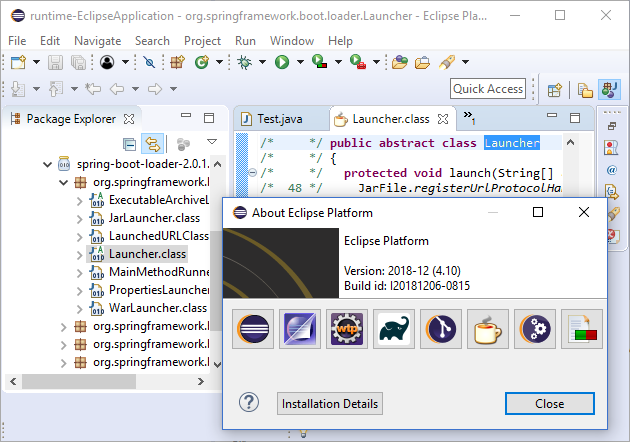
- Click on "Help > About Eclipse > Installation Details",
- Select "JD-Eclipse Plug-in",
- Click on "Uninstall...".
Released under the GNU GPL v3.