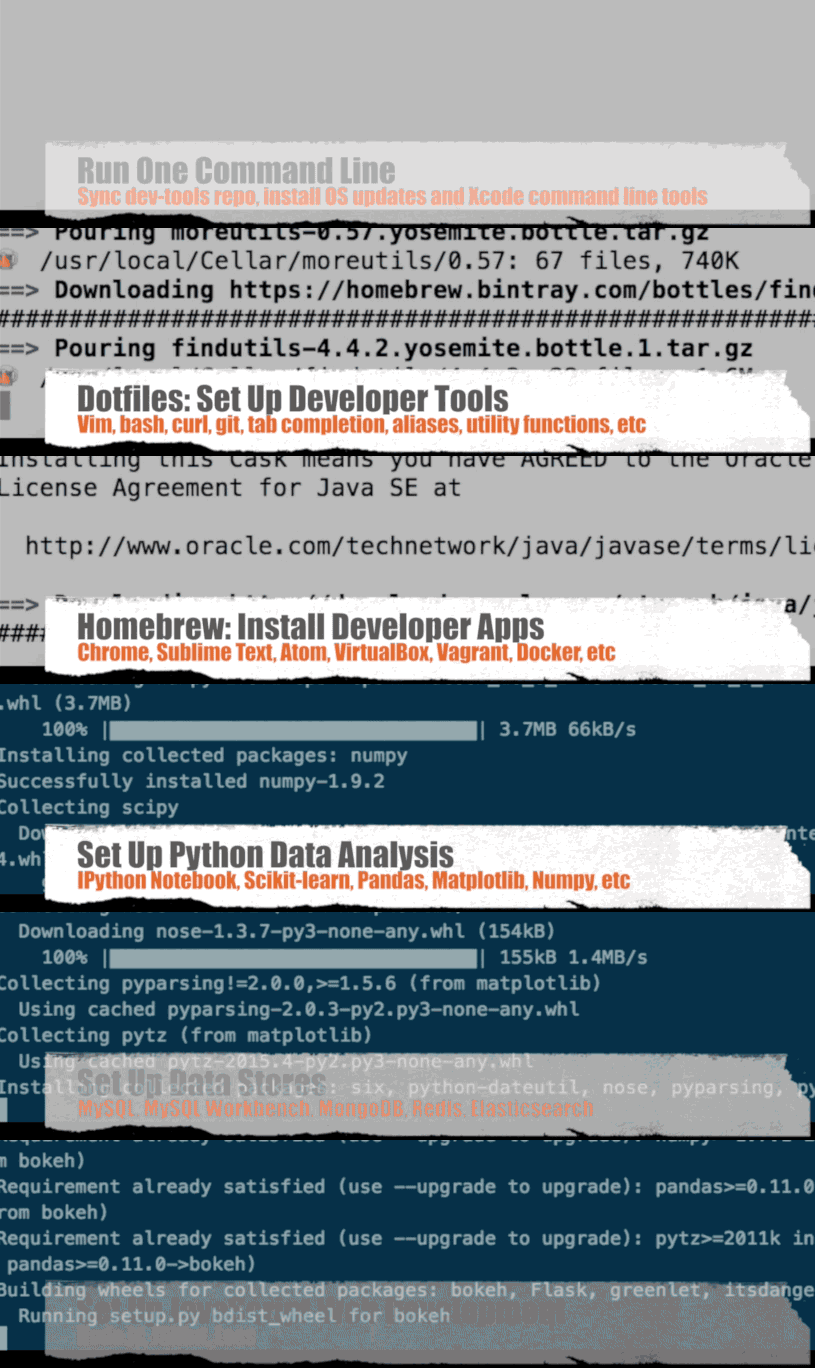
- Section 1 contains the dotfiles/scripts and instructions to set up your system.
- Sections 2 through 7 detail more information about installation, configuration, and usage for topics in Section 1.
Scripts tested on OS X 10.10 Yosemite and 10.11 El Capitan.
- Single Setup Script
- bootstrap.sh script
- Syncs dev-setup to your local home directory
~
- Syncs dev-setup to your local home directory
- osxprep.sh script
- Updates OS X and installs Xcode command line tools
- brew.sh script
- Installs common Homebrew formulae and apps
- pyauto.sh script
- Set up Python mobile automation development environment.
- appium.sh script
- Set up appium development environment.
- android.sh script
- Sets up Android development
- CI.sh script
- Sets up CI environment for mobile
$ git clone https://github.com/shane51/dev-setup.git && cd dev-setup
Since you probably don't want to install every section, the .dots script supports command line arguments to run only specified sections. Simply pass in the scripts that you want to install. Below are some examples.
For more customization, you can clone or fork the repo and tweak the .dots script and its associated components to suit your needs.
Run all:
$ ./.dots all
Run bootstrap.sh, osxprep.sh, brew.sh:
$ ./.dots bootstrap osxprep brew
Run bootstrap.sh, osxprep.sh, brew.sh, pyauto.sh, appium.sh,android.sh, and CI.sh, :
$ ./.dots bootstrap osxprep brew pyauto appium android CI
$ curl -O https://raw.githubusercontent.com/shane51/dev-setup/master/.dots && ./.dots [Add ARGS Here]
See the Credits Page.
Feel free to contact me to discuss any issues, questions, or comments.
My contact info can be found on my GitHub page.
This repository contains a variety of content; some developed by Donne Martin, and some from third-parties. The third-party content is distributed under the license provided by those parties.
The content developed by Donne Martin is distributed under the following license:
I am providing code and resources in this repository to you under an open source license. Because this is my personal repository, the license you receive to my code and resources is from me and not my employer (Facebook).
Copyright 2015 Donne Martin

Licensed under the Apache License, Version 2.0 (the "License");
you may not use this file except in compliance with the License.
You may obtain a copy of the License at

   http://www.apache.org/licenses/LICENSE-2.0

Unless required by applicable law or agreed to in writing, software
distributed under the License is distributed on an "AS IS" BASIS,
WITHOUT WARRANTIES OR CONDITIONS OF ANY KIND, either express or implied.
See the License for the specific language governing permissions and
limitations under the License.