


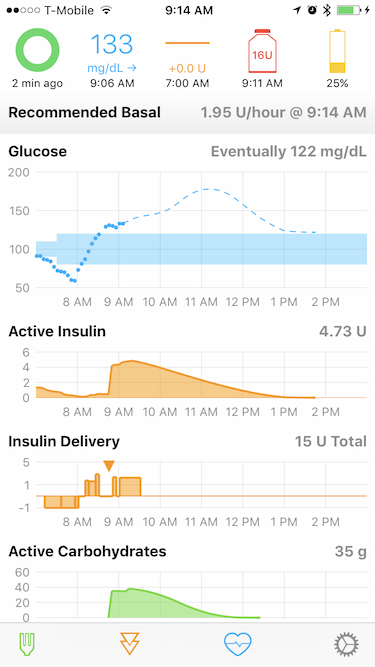
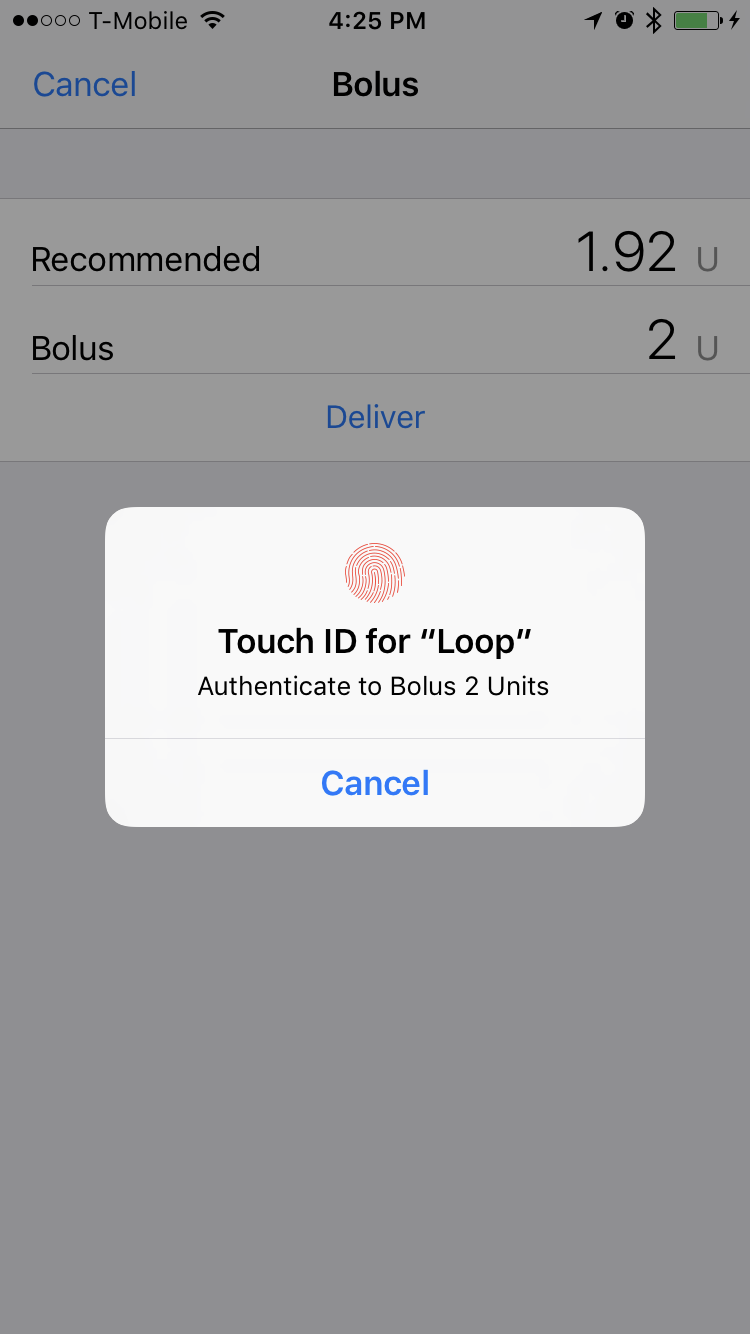
Loop is an app template for building an artificial pancreas. It is a stone resting on the boulders of work done by @bewest, @ps2 and many others.
Please understand that this project:
- Is highly experimental
- Is not approved for therapy

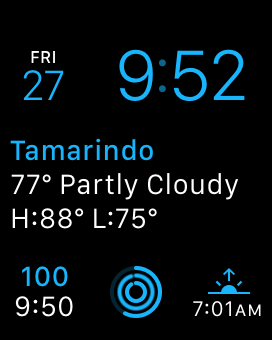
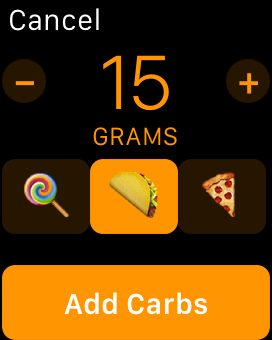
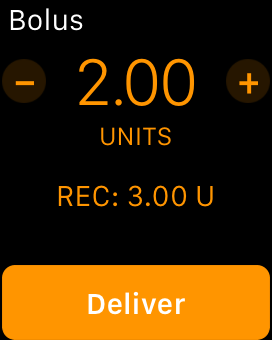
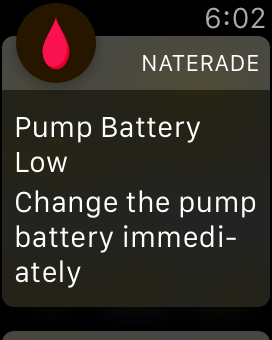
| Insulin Pump | |||
|---|---|---|---|
| MM 522/722 | MM 523/723 | ||
| CGM | Dexcom G4 + Share | ❌1 2 3 | ✅2 |
| Dexcom G5 | ✅3 | ✅ | |
1. Follow #10 for updates
2. Internet connection required to retrieve glucose
3. Pump must have a remote ID added in the Remote Options menu
Loop is built on top of LoopKit. LoopKit is a set of frameworks that provide data storage, retrieval, and calcluation, as well as boilerplate view controllers used in Loop.
Fork and clone this repository so you can commit the changes you'll make below.
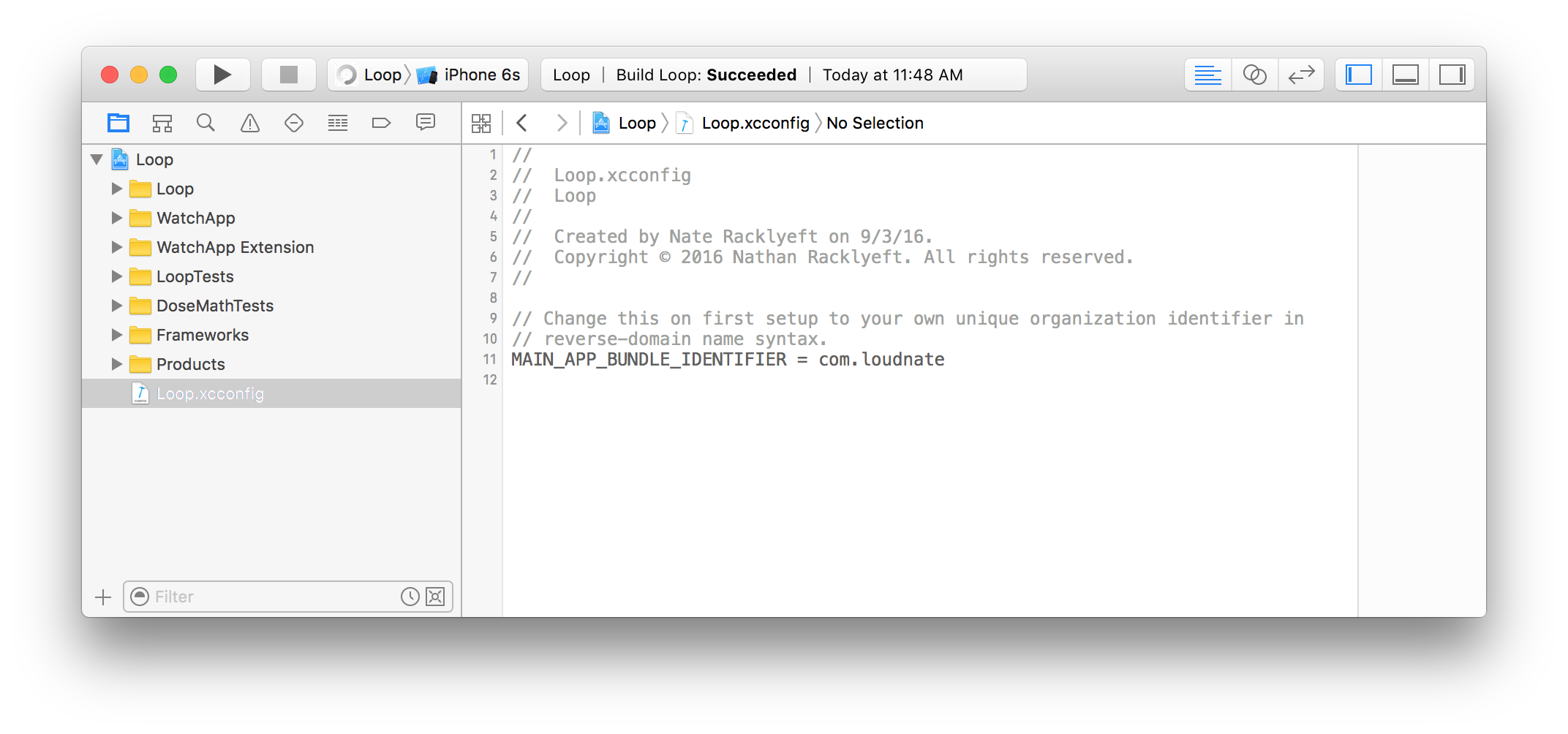
In the Loop project's Build Settings, change the value of MAIN_APP_BUNDLE_IDENTIFIER to something unique. Usually this means replacing com.loudnate with a reverse-domain name of your choosing.
Loop optionally supports select third-party remote services. While none of them are required to run the app, including mLab keys is strongly recommended at this time so loop diagnostic data can be stored in case retrospective analysis is needed.
After a fresh clone of the repository, you'll need duplicate the template file and populate the copy with values.
$ cp Loop/RemoteSettings-template.plist Loop/RemoteSettings.plistRemoteSettings.plist is included in .gitignore so you won't accidentally commit any sensitive keys.
| Key | Description |
|---|---|
mLabAPIKey |
Your mLab API Key (for tracking errors and diagnostic info) |
mLabAPIHost |
The mLab API host |
mLabAPIPath |
Your mLab database path |
AmplitudeAPIKey |
Your Amplitude analytics API Key (for optional, private behavior tracking) |
ShareAccountName |
Your username for Dexcom share (for backfilling glucose data) |
ShareAccountPassword |
Your password for Dexcom share |
Carthage is used to manage dependencies. If you haven't installed Carthage on your Mac before, follow the installation instructions.
After a fresh clone of the repository, you'll need to do a checkout and build of the dependencies:
$ carthage bootstrapAfter pulling new changes, you'll need to run the same command again.
You might open this app a lot. Make it the most personal app on your iPhone by changing the name and icon.

In the Targets list, rename "Loop" to anything you like. This has the side-effect of changing the display name of the app as well, though you can choose to decouple those if you like later by reading more about Xcode target configuration.
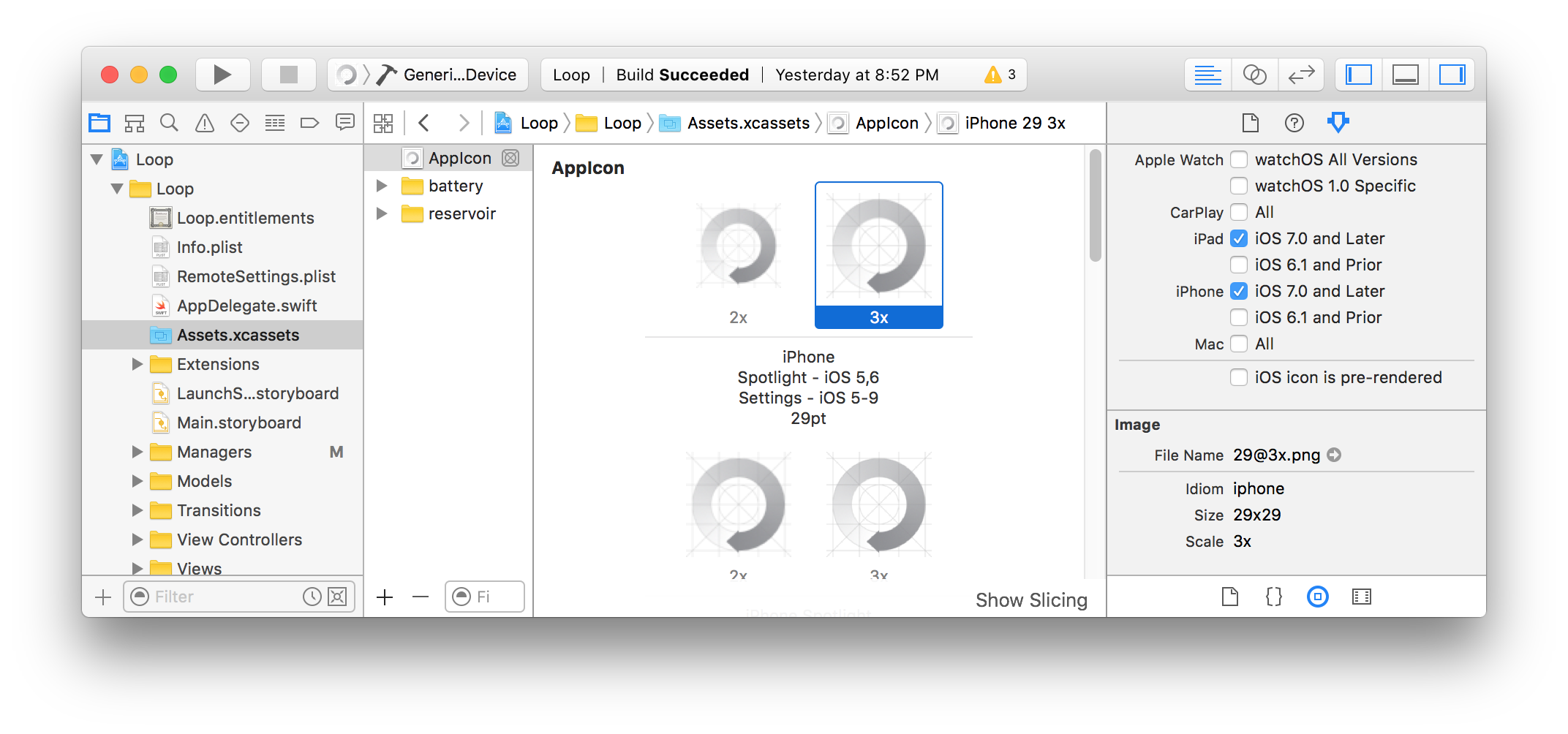
- Select the application asset library from the Project Navigator
- Select the image set named AppIcon
- Replace each image size with your own icon
TODO: Write more documentation!
Please read the LICENSE and CODE_OF_CONDUCT