Bottom Sheet component is designed to handle any content, including a scrolling one.
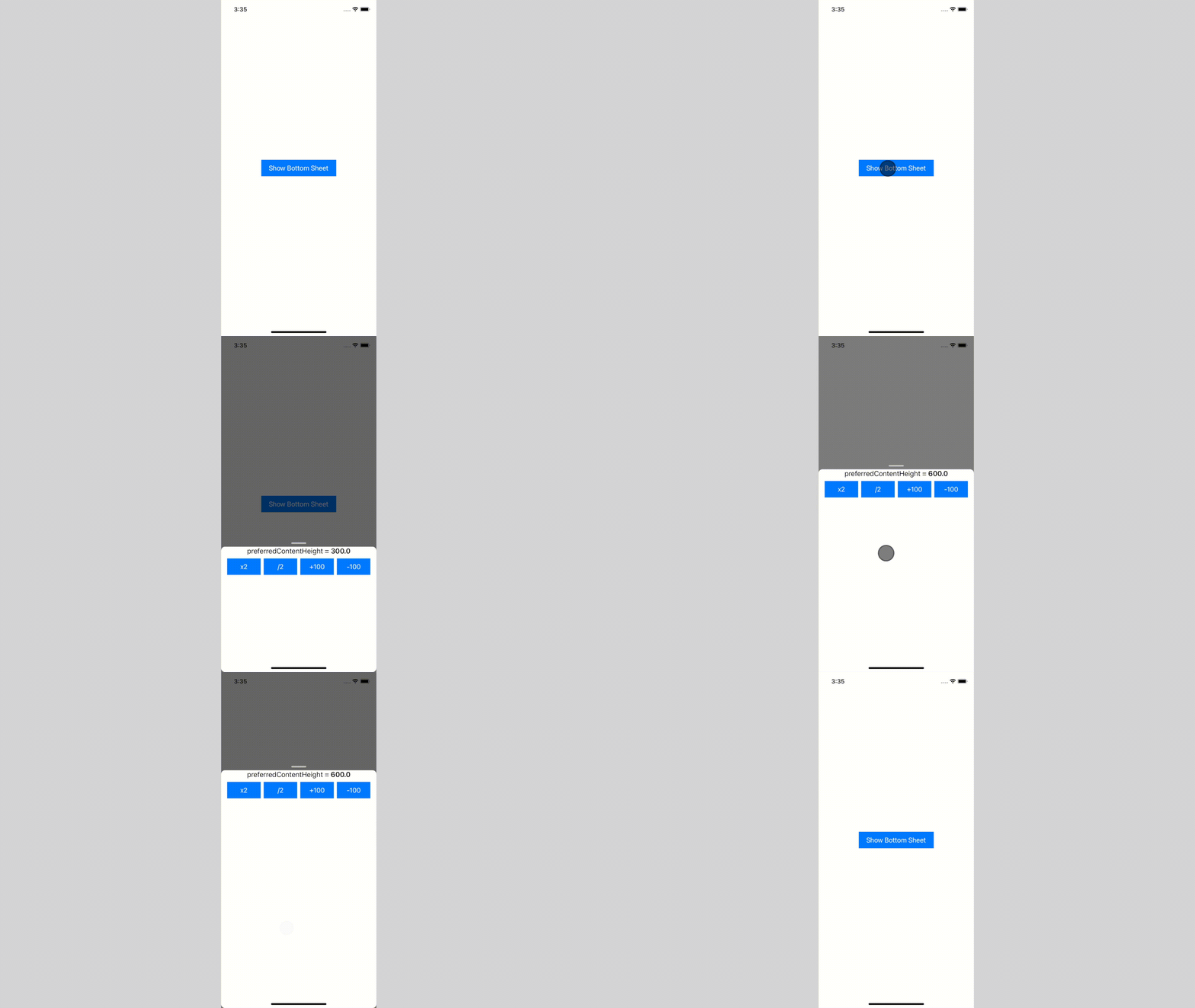
- ✅ use any content size, and it will adapt
- ✅ use scrollable content:
UICollectionView,UITableVieworUIScrollView - ✅ dismiss interactively by swipe-down or just tapping on an empty space
- ✅ build flows inside using
BottomSheetNavigationController- ✅ supports all system transitions: push and (interactive) pop
- ✅ transition animated between different content sizes
| Adapts to content size | Interactive dismissal |
|---|---|
 |
 |
| Push and pop transitions | Interactive pop transition |
|---|---|
 |
 |
To integrate Bottom Sheet into your Xcode project using Swift Package Manager, add it to the dependencies value of your Package.swift:
dependencies: [
    .package(url: "https://github.com/joomcode/BottomSheet", from: "1.0.0")
]This repo contains demo, which can be a great start for understanding Bottom Sheet usage, but here are simple steps to follow:
- Set content's size using preferredContentSize
- (optional) Conform to
ScrollableBottomSheetPresentedControllerif your view controller is list-based - Present using custom transition
BottomSheetTransitioningDelegate
Read the article on Medium for betting understanding of how it works under the hood