The officially supported way to create NPM packages at REI.
With @rei/create-package, you can quickly scaffold:
- a Vue component compiled by Vite and configured with REI default settings
- a vanilla TypeScript library that's ready to be imported into your application
- Alpine microsite front-end code and configuration
Report bugs in the issues tab.
npx @rei/create-package@^1 #(JavaScript)or
npx @rei/create-package@^2 #(TypeScript)
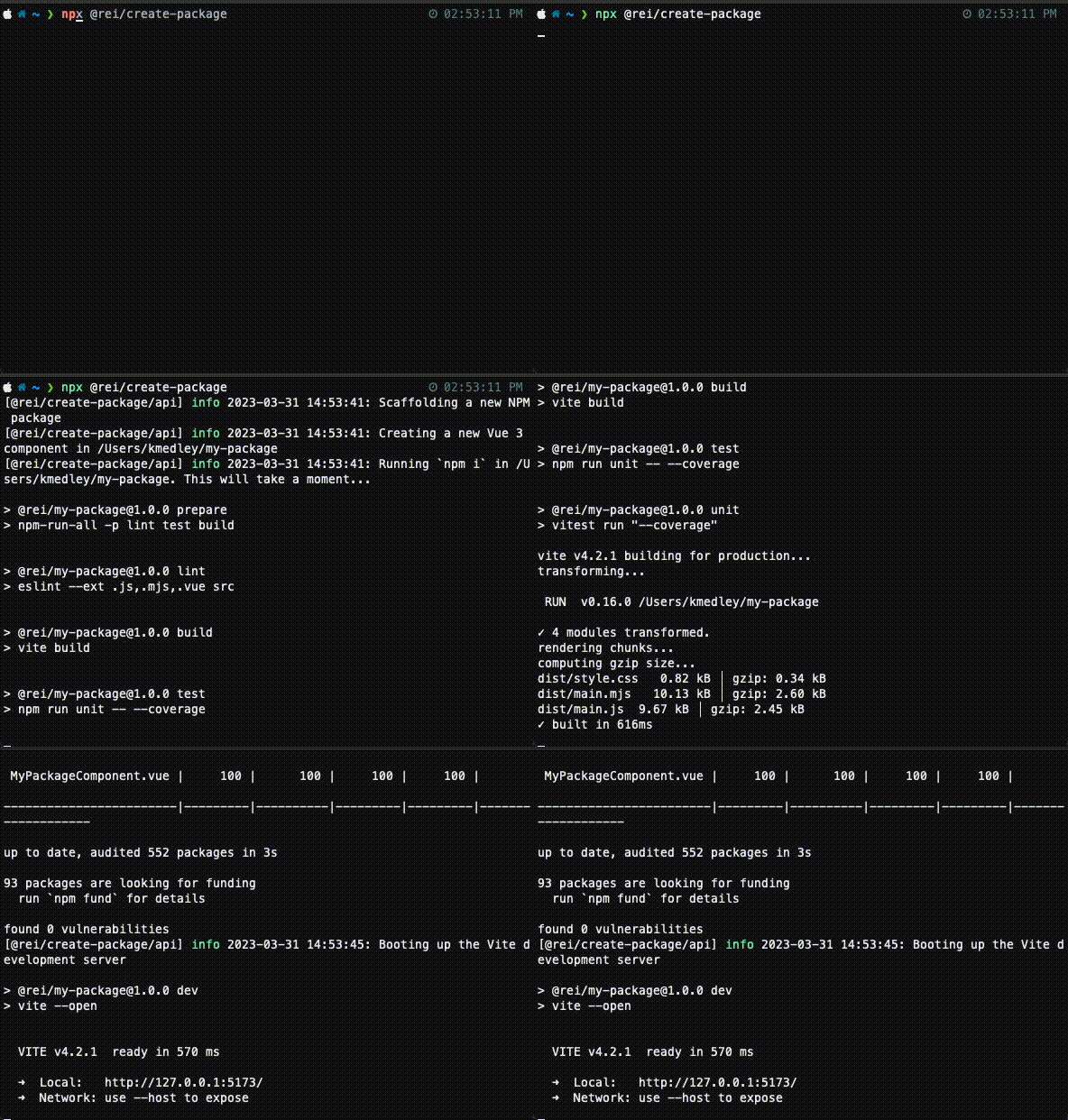
The initializer can scaffold out either JavaScript or TypeScript code depending on the version you run the initializer with. If you don't specify the version, the initializer will default to the latest version, currently 2.^ (TypeScript).
This command is preset to generate a Vue 3 project from the templates/vue template directory. See the options section to inspect default values for options used by the command.
- Create a Vue 3 NPM package called "carousel"
npx @rei/create-package --name carousel- Create a vanilla TypeScript library
npx @rei/create-package --name lib --template vanilla- Microsite code and configuration. This scaffolds out the front-end QuickStart microsite code and build/test configuration.
From the front-end root package directory:
npx @rei/create-package --name <microsite name> --template microsite --no-dirUse "interactive mode" to follow command prompts to generate an NPM package.
-n, --name <package-name>
The name of the NPM package we're intializing. Defaults to my-package
-d, --desc <description>
The description of the NPM package we're intializing. Defaults to description
-a, --author <author-name>
The author of the NPM package we're intializing. Attempts to resolve the user's git username and email, otherwise defaults to REI.
-t, --template [vue|vanilla|microsite]
The type of template we're initializing. Defaults to vue.
--no-dir
Using this option will tell the initializer to output to the current working directory, instead of creating a namespaced directory matching the package name.
@rei/create-package is an NPM initializer written in Node.js.
Its mechanics are written to be agnostic of any particular technology's generator. Meaning it doesn't rely on Vue CLI or anything similar.
The logic recurses through the chosen template files and uses a template system to inject contextual data into them.
Templates are divided by type in their directories. Template directories contain contextual files relevant to their type.
@rei/create-package
├── templates
│   ├── common
│   │   ├── .chairlift.yml
│   │   └── .npmrc
│   ├── vue
│   ├── vanilla
│   └── microsite

...
common is a directory of shared files that are output for every template type.
@rei/create-packages uses dotenv (and .env) to hold configuration variables that are injected into necessary templates.
This tool helps you scaffold out a new NPM package but it doesn't set up source control management (SCM) or a CI/CD pipeline, features that you'll want to facilitate the growth and maturity of your package.
REI uses an internal tool called Chairlift that sets up SCM and a CI/CD pipeline for your new package. It has an npm-package-template containing a bare-bones file structure with instructions on running this initializer.
Modify existing templates freely. Add environmental variables to .env to make them available for render.
Adding a new template is a more involved process. You'll need to create a new template directory and then ensure the Node scripts can process it.
For help, reach out to the #alpine-frontend-users slack channel.