Tweet app revisited to build, test, deploy using an automated CI-CD pipeline with Wercker deployed as containers on AWS.

###Introduction:
This post is to help you set up a CI-CD pipeline using wercker for the application running on docker container. Same can be used to scale out or for bigger applications as well. It would serve as a initial starting point to set up pipeline and workflows on wercker.
This would also help you with Slack integration step to post notifications on your build status.
Documentations:
Pre-requisites:
Dockerhub Account to store your docker images - create your free docker hub account
Wercker Account for your CI-CD pipeline - create your free wercker account
A running EC2 Instance. ( Note: Install docker on the EC2 Server )
Application:
Source Code of the Application's HTML file
Wercker:
-
Integrating werkcer with git. On the profile page, open up setting and git connections underneath settings. You would have option to either connect to your github account or bitbucket account.
-
Creating the application. Click on the + icon on top right corner to see an option named create an application. Once you click on it, it will auto populate the repositories in the git hub account you had linked earlier. Choose the code repository that you would like to configure the CI pipeline. Configure the access and your application will be created. you are all done!
-
Create the pipelines.


- Create the workflows.

- Environment Variables.


#THE MAGIC SAUCE:
Most of the work happens becuase of the declarations in the wercker.yml. We can include multiple pipelines like build, test, push to dockerhub and deploy to each environments inside of the wercker.yml file.
The build section contains basic install test as of now. You could add in more tests as per the need. The build section also contains the slack integration, which will post notifications to your slack channel. You will have to configure incoming webhook on slack.
The push to docker contains the syntax declarations on how we push the container to Dockerhub. The deploy section contains commands to show how we deploy the docker image.
To Do's in future:
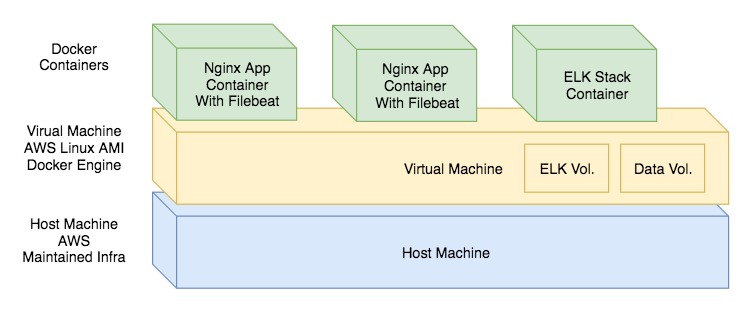
- Add in ELK stack containers on the same host to monitor the application. ( A learning on how it would work )
- Deploying through Docker Compose.
- Deploying through Kubernetes.
- Add test cases and scripts in the build section and post deploy section.