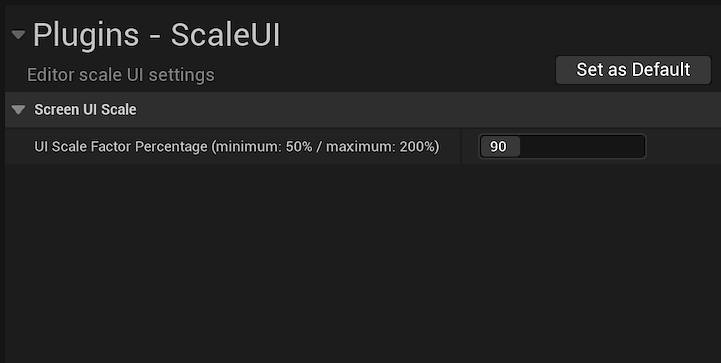
Unreal Engine UI scaling utility for Editor. Saves selected UI percentage scale to EditorSettings.ini.
- shutdown Unreal Engine
- get project archive from github project page with "Code" button, select "Download ZIP"
- unzip ScaleUI-main.zip archive, enter unzipped folder and copy ScaleUI folder to:
- C:\Program Files\Epic Games\UE_5.1\Engine\Plugins\Editor
- start Unreal Engine - there should be notification about new plugins
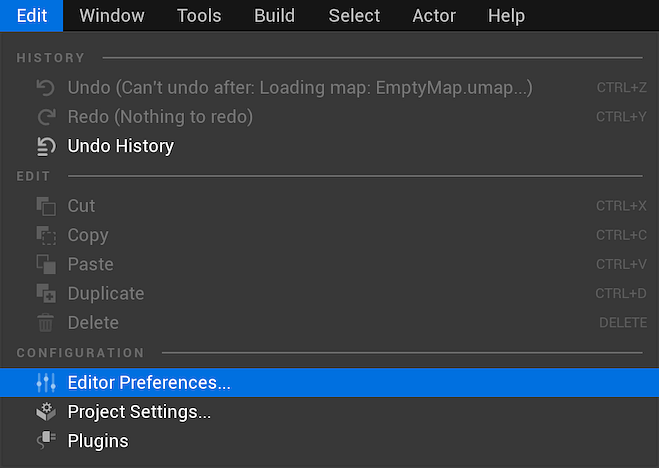
- navigate to Edit menu, option Plugins
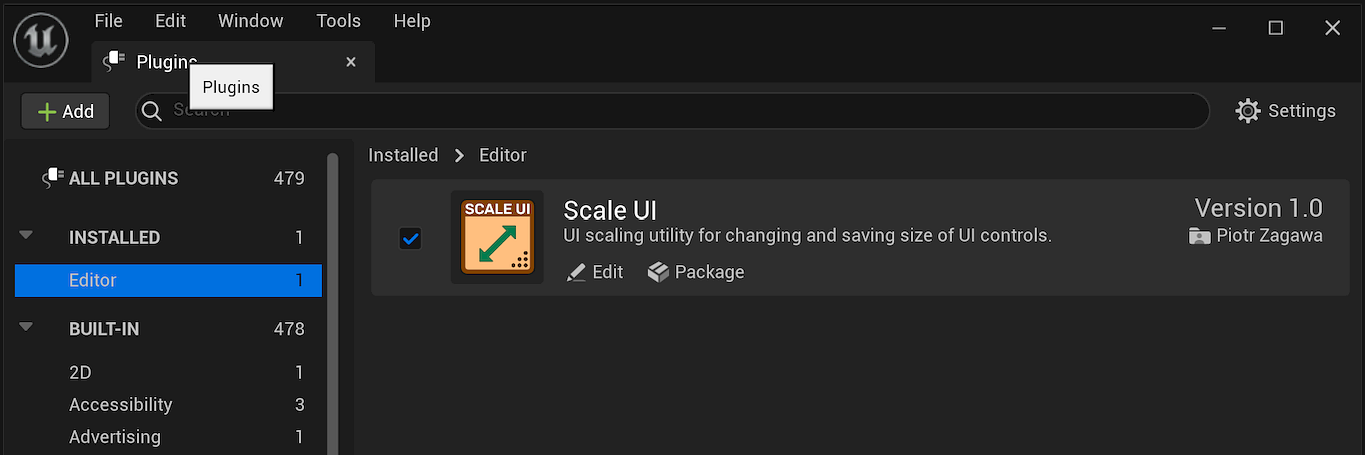
- in Plugins window, section Editor should list Scale UI plugin
- enable this plugin by clicking left side checkbox, restart Editor.
Enable ScaleUI plugin in Plugins window.
Navigate to Editor Preferences.
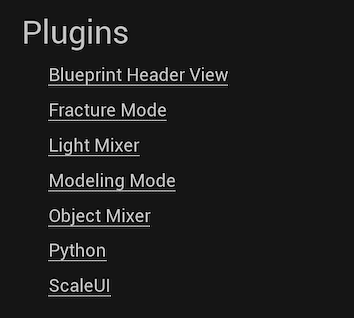
Find ScaleUI item in Plugins section.
Change desired scaling (percentage with 5% steps).