A simple tool for deploying code to servers.

GoShip SSHes into the machines that you list in your config.yml file and gets the latest revision from the specified git repository. It then compares that to the latest revision on GitHub and, if they differ, shows a link to the diff as well as a Deploy button. You can then deploy by clicking the button, and will show you the output of the deployment command, as well as save the output, diff, and whether the command succeeded.
It also has a nice single view for open pull requests across all repositories in one or more organizations.
Export your GitHub API token:
export GITHUB_API_TOKEN="your-organization-github-token-here"
Create a config.yml file:
# The user that will SSH into the servers to get the latest git revisions
deploy_user: deployer
# Domain you'll host goship on
goship_host: goship.yourdomain.com
# used for getting open pull requests across all repos in an org
orgs:
    - myOrg
projects:
    - my_project:
        project_name: My Project
        repo_owner: github-user
        repo_name: my-project
        environments:
            - staging:
                deploy: /path/to/deployscripts/myproj_staging.sh
                repo_path: /path/to/myproject/.git
                hosts:
                    - staging.myproject.com
                branch: code_freeze
            - production:
                deploy: /path/to/deployscripts/myproj_live.sh
                repo_path: /path/to/myproject/.git
                hosts:
                    - prod-01.myproject.com
                    - prod-02.myproject.com
                branch: master
Then run the server manually
go run goship.go -p 8888 -k ~/.ssh/id_rsaAvailable command line flags for the go run goship.go command are:
 -p [port]          Port number (default 8000)
 -c [config file]   Config file (default ./config.yml)
 -k [id_rsa key]    Path to private SSH key for connecting to Github (default id_rsa)
To notify a chat room when the Deploy button is pushed, create a script that takes a message as an argument and sends the message to the room, and then add it to the config like so:
notify: ./notifications/notify.shSevabot is a good choice for Skype.
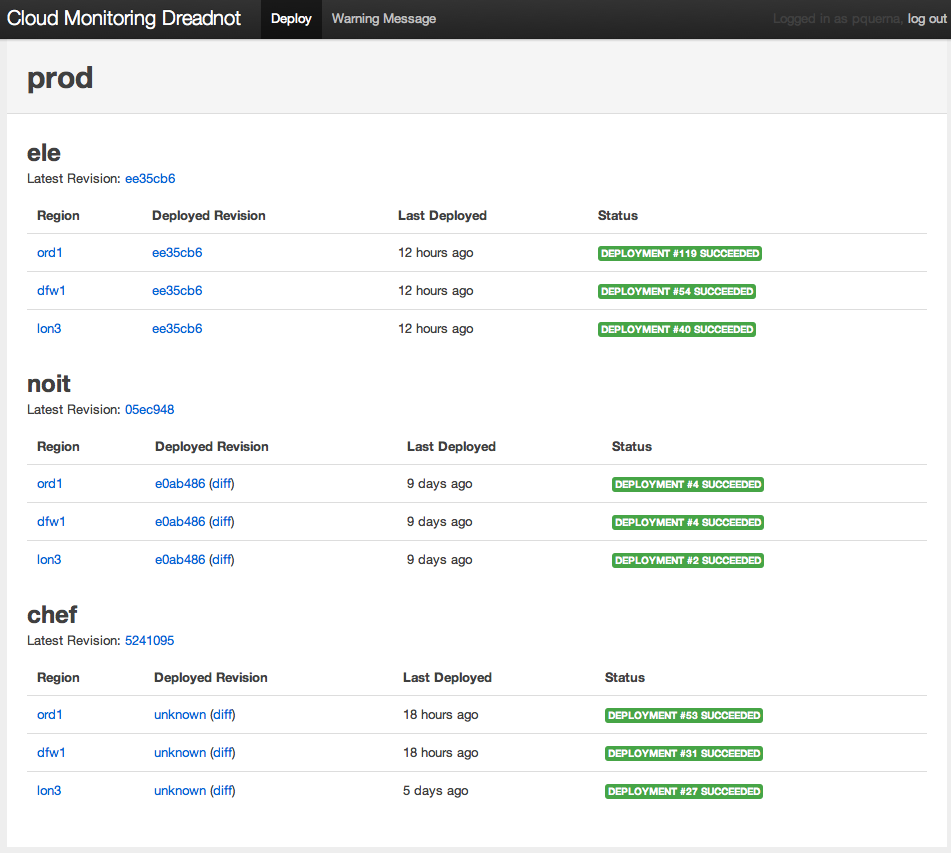
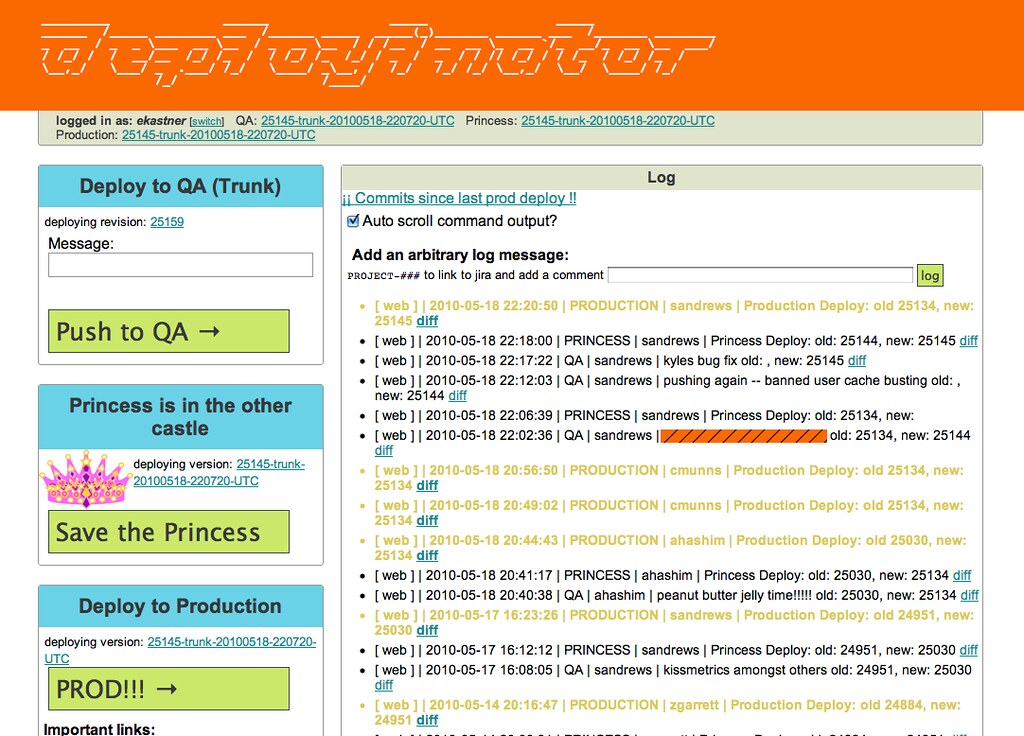
GoShip was inspired by Rackspace's Dreadnot (UI image) and Etsy's Deployinator (UI image).