
-
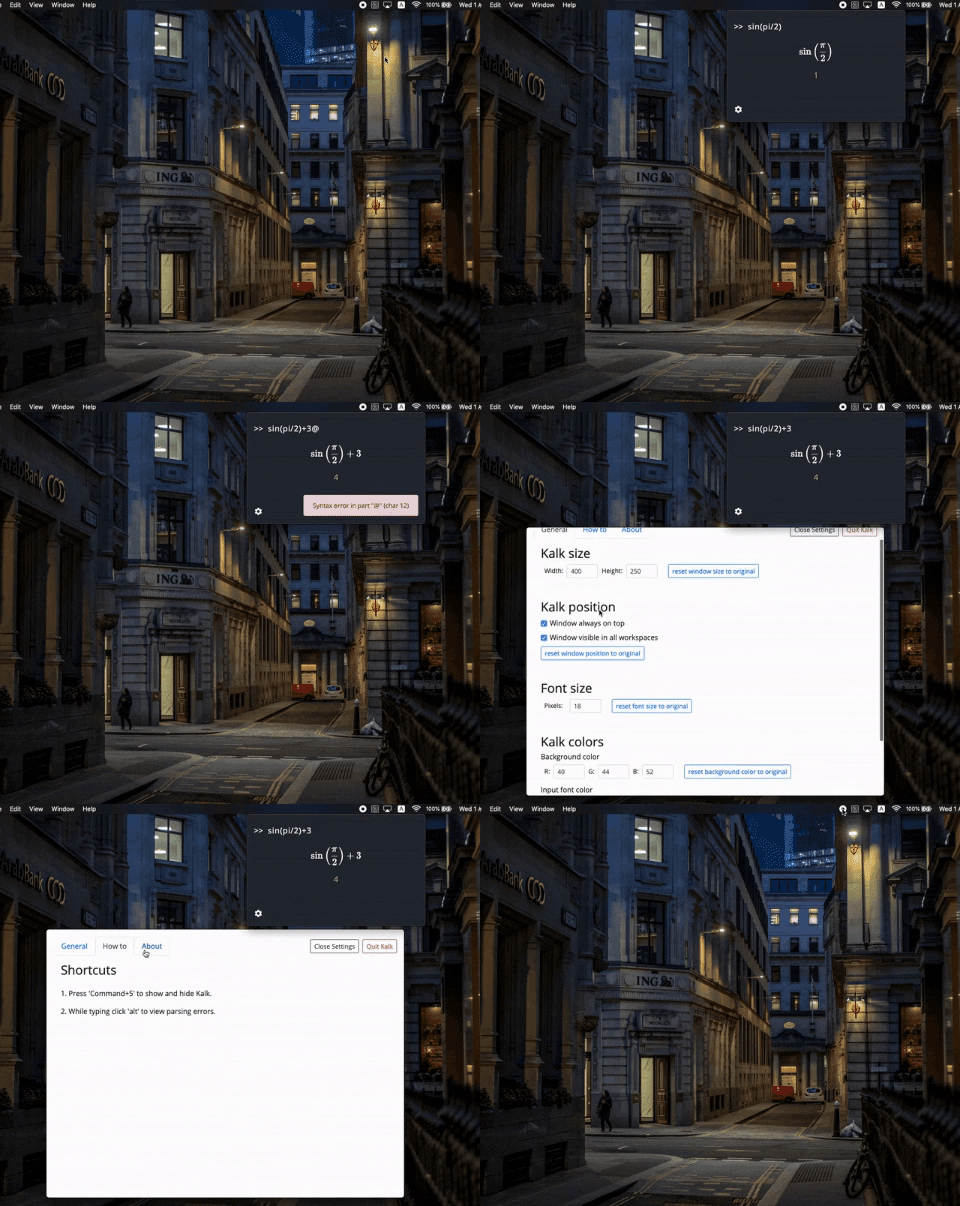
Once you launched the app hit Cmd+5 (Mac) ot Alt+5 (Linux, Windows) to open Kalk. (You can also use the menubar button to show Kalk. double-click on Ubuntu)
-
Start typing and Kalk will compute the result as you go.
-
At the bottom left corner there is a settings button. Use it!
git clone https://github.com/omrirz/kalk.git
cd kalk && npm install
npm startnpm run dist:macwill create a DMG for mac
npm run dist:linuxwill create an AppImage for Linux
npm run dist:windowswill create an installer for windows