


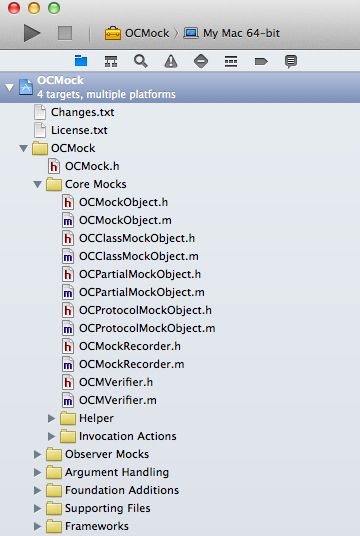
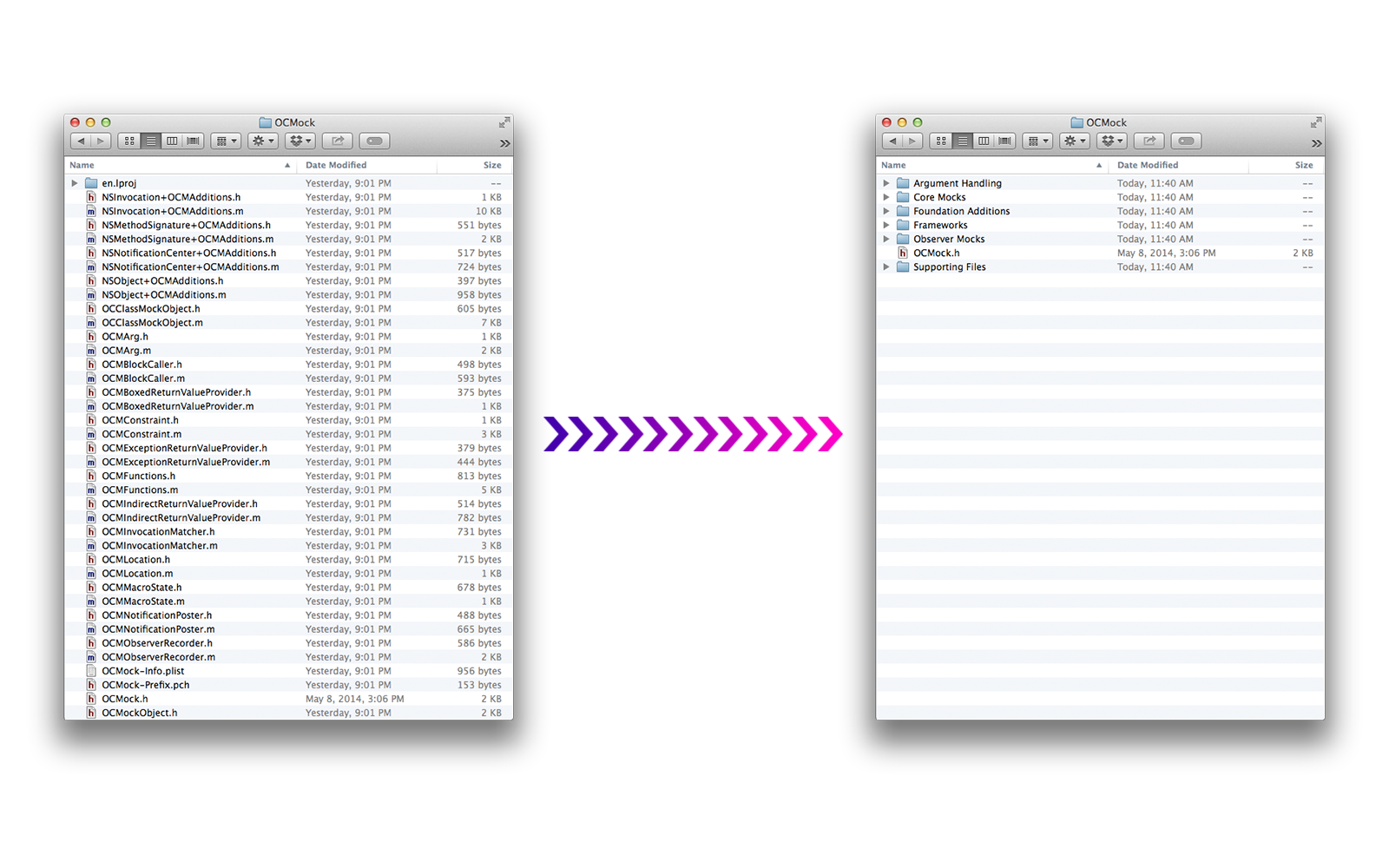
A command-line tool that reorganizes your Xcode project folder to match your Xcode groups.

$ gem install synx
WARNING: Make sure that your project is backed up through source control before doing anything
Execute the command on your project to have it reorganize the files on the file system:
$ synx path/to/my/project.xcodeproj
It may have confused cocoapods. Pod install, if you use them:
$ pod install
You're good to go!
Synx supports the following options:
  --prune, -p                   remove source files and image resources that are not referenced by the the xcode project
  --no-default-exclusions       doesn't use the default exclusions of /Libraries, /Frameworks, and /Products
  --exclusion, -e EXCLUSION     ignore an Xcode group while syncing
OCMock, for example, could have done:
$ synx -p -e "/OCMock/Core Mocks" -e /OCMockTests Source/OCMock.xcodeproj/
if they wanted to not sync the /OCMock/Core Mocks and /OCMockTests groups, and also remove (-p) any image/source files found by synx that weren't ever referenced by any groups in Xcode.
- Fork it
- Create your feature branch (
git checkout -b my-new-feature) - Commit your changes (
git commit -am 'Add some feature') - Push to the branch (
git push origin my-new-feature) - Create a new Pull Request
- @vrjbndr, awesome logo!
- @ayanonagon and @benzguo, feedback.