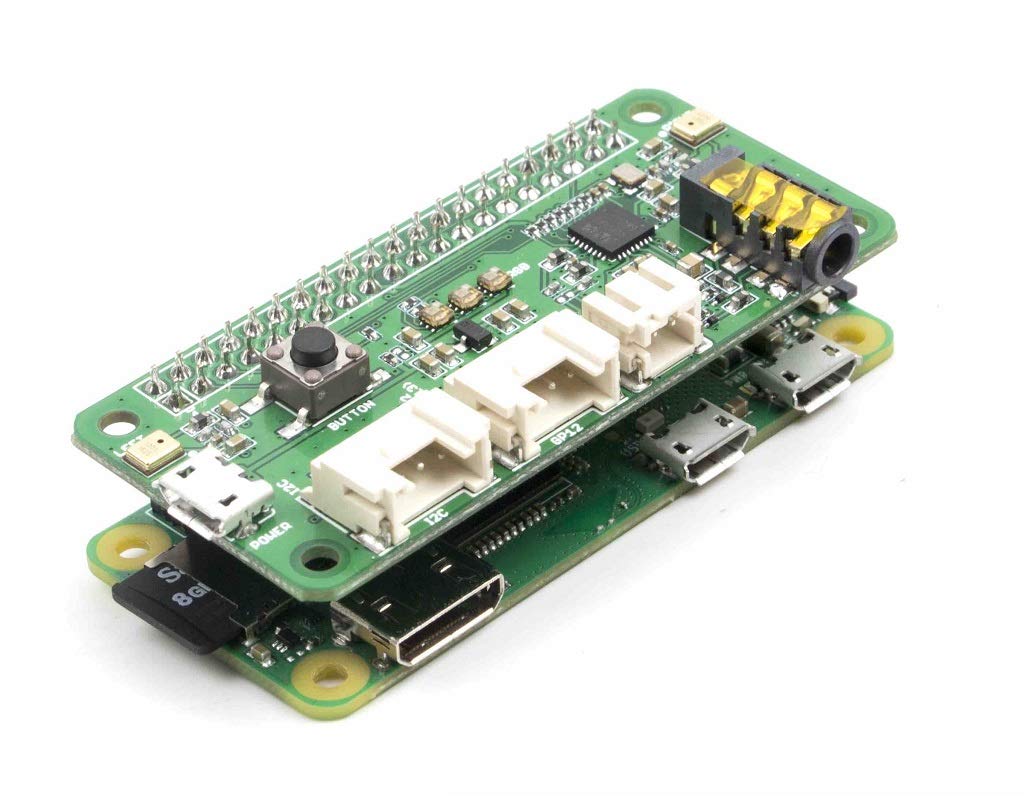
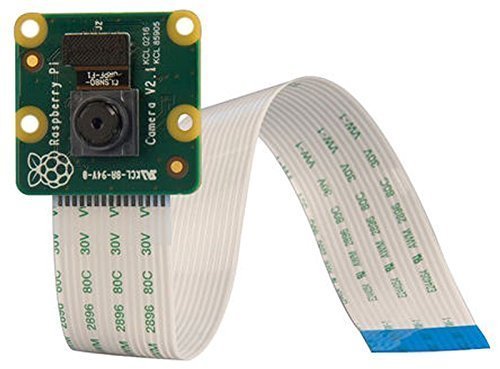
Each programs are described in the articles in DevicePlus
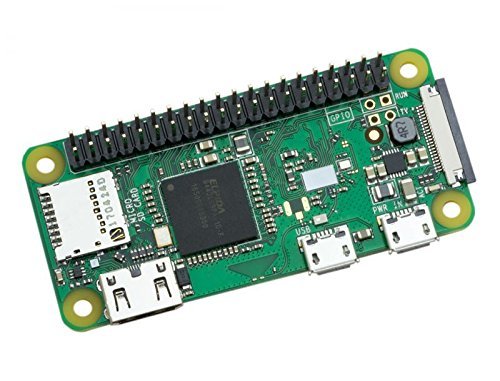
-
Install Google AIY to your Raspberry Pi
-
Make smart folder and copy examples from AIY python
mkdir ~/AIY-projects-python/src/smart
sudo cp ~/AIY-projects-python/src/examples/voice/* ~/AIY-projects-python/src/smart/
-
Place each files to the smart folder
-
Setup required software
- Downlaod and install Seeed software
git clone https://github.com/respeaker/seeed-voicecard.git
cd seeed-voicecard
sudo ./install.sh
reboot
sudo pip install spidev
cd ~/
git clone https://github.com/respeaker/mic_hat.git
cd mic_hat
python pixels.py
- Download AquesTalk
wget https://www.a-quest.com/archive/package/aquestalkpi-20130827.tgz
tar xzvf aquestalkpi-*.tgz
- Setup Google SDK
- Setup Google Vision
sudo nano ~/.bashrc
Add GOOGLE_APPLICATION_CREDENTIALS="/home/pi/visionxxx.json
echo $GOOGLE_APPLICATION_CREDENTIALS
- Setup Google Translate
pip install --upgrade oauth2client
pip install --upgrade google-cloud-translate