react dialog component






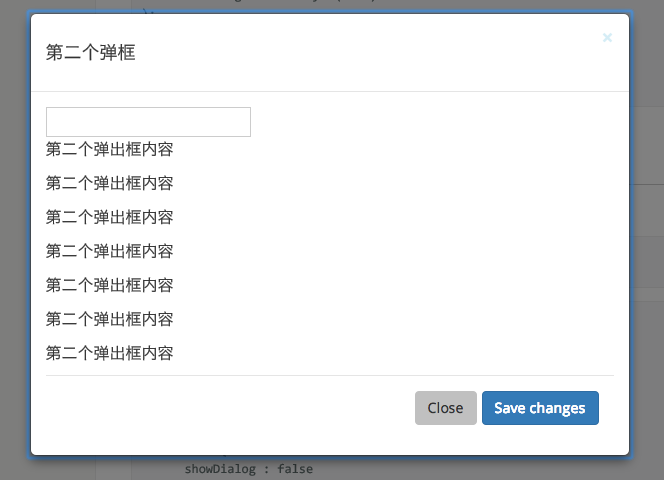

var Dialog = require('rc-dialog');

  React.renderComponent(
      (<Dialog title={title} onClose={callback1} onShow={callback2}>
        <p>first dialog</p>
      </Dialog>),
      document.getElementById('t1')
  );

// use dialog- The dialog dom node's prefixCls. Defaults to
rc-dialog
- The dialog whether or not shown,default false
- Title of the dialog
- whether show close button and click mask to close
- called by requestClose or click close button or mask
- When the dialog shown , the callback was called.
- When the dialog closed, the callback was called.
- align config. see https://github.com/yiminghe/dom-align
{
  node: // defaults to window,
  points: ['tc', 'tc'],
  offset: [0, 100]
}- make dialog show and trigger onShow if current visible is false
- make dialog hide and trigger onClose if current visible is true
- run props.beforeClose first, if beforeClose does not return false then call close()
npm install
npm start
http://localhost:8000/examples/index.md
online example: http://react-component.github.io/dialog/build/examples/
http://localhost:8000/tests/runner.html?coverage
rc-dialog is released under the MIT license.