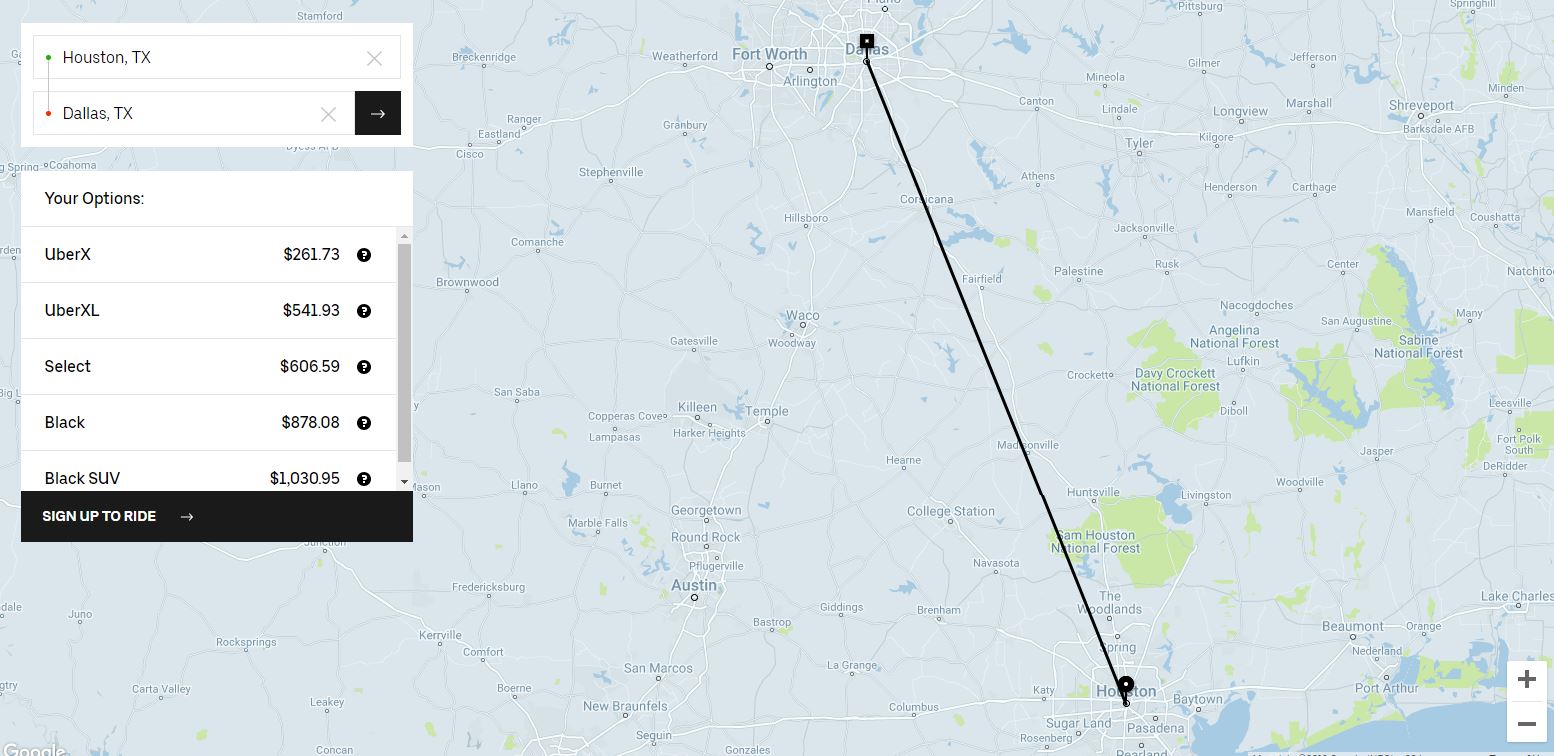
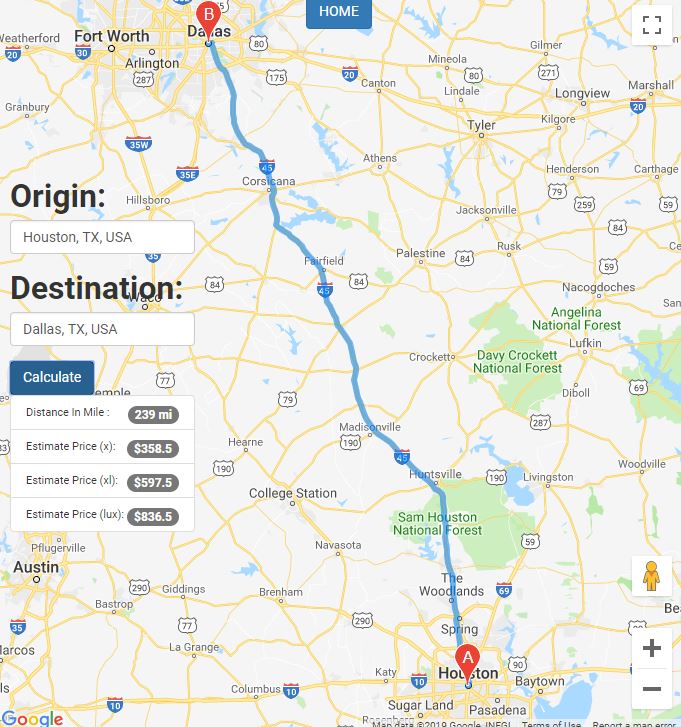
A complete Web application similar to UBER's "Fare_Estimator" service using the googlemap javascript API (Autocomplete Widget, Distance matrix services, and direction services)
This project requires a google account to generate an API key.
Keep in mind that the same terms and conditions apply to usage of the APIs when they're accessed through this library.
- Text Editor
- A Googlemap API key.
Each Google Maps Web Service request requires an API key or client ID. API keys are generated in the 'Credentials' page of the 'APIs & Services' tab of Google Cloud console.
Check to enable:
- Directions API
- Distance Matrix API
- Places API
Include Javascript <script async defer src="https://maps.googleapis.com/maps/api/js?key=YOUR_API_KEY&callback=initMap" type="text/javascript"></script> in HTML .
-Target id "origin" & "destination", returning place predictions in response to an HTTP request made by user.
google.maps.event.addListener(from_places, 'place_changed', function () {
            var from_place = from_places.getPlace();
            var from_address = from_place.formatted_address;
            $('#origin').val(from_address);
        });

        google.maps.event.addListener(to_places, 'place_changed', function () {
            var to_place = to_places.getPlace();
            var to_address = to_place.formatted_address;
            $('#destination').val(to_address);
        });
-Access the Distance Matrix service via the DistanceMatrixService constructor object.
      function calculateDistance() {
          var origin = $('#origin').val();
          var destination = $('#destination').val();
          var service = new google.maps.DistanceMatrixService();
-getDistanceMatrix method initiates a request to the Distance Matrix service, passing it a DistanceMatrixRequest object literal containing the origins, destinations, and travel mode, as well as a callback method to execute upon receipt of the response.
          service.getDistanceMatrix(
              {
                  origins: [origin],
                  destinations: [destination],
                  travelMode: google.maps.TravelMode.DRIVING,
                  unitSystem: google.maps.UnitSystem.IMPERIAL, // miles and feet.
                  // unitSystem: google.maps.UnitSystem.metric, // kilometers and meters.
                  avoidHighways: false,
                  avoidTolls: false
              }, callback);

      }
-Callback function checks for error i.e. addresses typed outside of U.S, an error message will pop up. Calculate distance for 3 service tier (x,xl and lux)
function callback(response, status) {
            if (status != google.maps.DistanceMatrixStatus.OK) {
                $('#result').html(err);
            } else {
                var origin = response.originAddresses[0];
                var destination = response.destinationAddresses[0];
                if (response.rows[0].elements[0].status === "ZERO_RESULTS") {
                    $('#result').html("Better get on a plane. There are no roads between "  + origin + " and " + destination);
                 }
                 else {
										const distance = response.rows[0].elements[0].distance.text;
                    const r = distance.replace("mi", "");
                    const x = r.replace(",","");
										const cost_x = x*1.5; //parses argument and returns only integer
										const cost_xl = x*2.5;//parses argument and returns only integer
										const cost_lux = x*3.5;//parses argument and returns only integer
                    $('#in_mile').html(distance);
										$('#cost_x').html('$'+ cost_x);
										$('#cost_xl').html('$'+ cost_xl);
										$('#cost_lux').html('$'+ cost_lux);
                    $("#result").show("slow");

                }

            }
}see comments
function initMap() {
      var map;
      var directionsService = new google.maps.DirectionsService;
      var directionsDisplay = new google.maps.DirectionsRenderer;
      var centerControlDiv = document.getElementById('LocationVal');
      var centerControlDiv2 = document.getElementById('home');
      var map = new google.maps.Map(document.getElementById('map'), {
        zoom: 7,
        center: {lat: 41.85, lng: -87.65},
        mapTypeControl: false
      });
       map.controls[google.maps.ControlPosition.LEFT_CENTER].push(centerControlDiv);
       map.controls[google.maps.ControlPosition.TOP_CENTER].push(centerControlDiv2);


//display route onto map
      function onChangeHandler() {
               calculateAndDisplayRoute(directionsService, directionsDisplay);
              directionsDisplay.setMap(map);
             }


      function calculateAndDisplayRoute(directionsService, directionsDisplay) {
          directionsService.route({
          origin: document.getElementById('origin').value,
          destination: document.getElementById('destination').value,
          travelMode: 'DRIVING'
              }, function(response, status) {
                  if (status === 'OK') {
                  directionsDisplay.setDirections(response);
                  }
                    else {
                   window.alert('Directions request failed due to ' + status);
                 }

               });
             }


//display route on map when submit button is initiated
    document.getElementById('distance_form').addEventListener('submit', onChangeHandler);

}- Get Started with Google Maps Platform
- Generating/restricting an API key
- Authenticating with a client ID