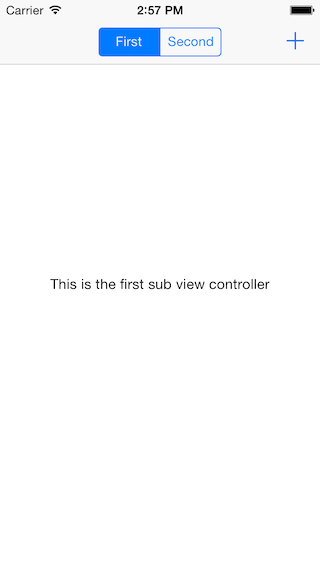
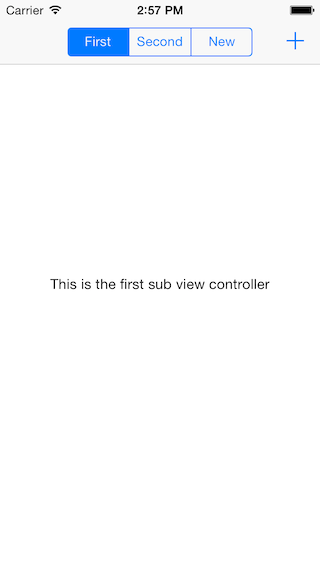
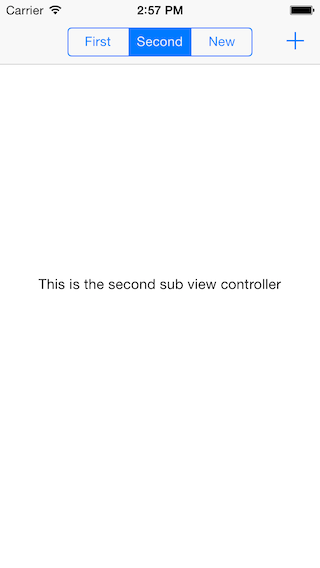


- iOS 6.1+
- ARC
From CocoaPods
pod 'FHSegmentedViewController'
- Drag the
FHSegmentedViewControllerfolder to your project
- Create a subclass of
FHSegmentedViewControllerin your project
#import "FHSegmentedViewController.h"

@interface MasterViewController : FHSegmentedViewController
2.Implement - (void)viewDidLoad
- (void)viewDidLoad
{
    [super viewDidLoad];

    [self setViewControllers:@[[self.storyboard instantiateViewControllerWithIdentifier:@"firstSubViewController"], [self.storyboard instantiateViewControllerWithIdentifier:@"secondSubViewController"]]];
}- Push an instance of
AnotherViewController.
    UIViewController *viewController = [self.storyboard instantiateViewControllerWithIdentifier:@"firstSubViewController"];
    [self pushViewController:viewController title:@"anotherViewController"];
Note: If the view controller you want to present is a UITableViewController you have to override didMoveToParentViewController:in it with this:
    - (void)didMoveToParentViewController:(UIViewController *)parent
    {
        if (parent) {
            CGFloat top = parent.topLayoutGuide.length;
            CGFloat bottom = parent.bottomLayoutGuide.length;

            if (self.tableView.contentInset.top != top) {
                UIEdgeInsets newInsets = UIEdgeInsetsMake(top, 0, bottom, 0);
                self.tableView.contentInset = newInsets;
                self.tableView.scrollIndicatorInsets = newInsets;
            }
        }

        [super didMoveToParentViewController:parent];
    }