A <LinearGradient> component for react-native, as seen in
react-native-login.
Version 1.5.0 supports react-native >= 0.19.0
You can use rnpm to add native dependencies automatically:
$ rnpm link
or do it manually as described below:
- Run
npm install react-native-linear-gradient --save - Open your project in XCode, right click on
Librariesand clickAdd Files to "Your Project Name"Look undernode_modules/react-native-linear-gradientand addBVLinearGradient.xcodeproj. (Screenshot). - Add
libBVLinearGradient.atoBuild Phases -> Link Binary With Libraries(Screenshot). - Click on
BVLinearGradient.xcodeprojinLibrariesand go theBuild Settingstab. Double click the text to the right ofHeader Search Pathsand verify that it has$(SRCROOT)/../react-native/React- if it isn't, then add it. This is so XCode is able to find the headers that theBVLinearGradientsource files are referring to by pointing to the header files installed within thereact-nativenode_modulesdirectory. (Screenshot). - Whenever you want to use it within React code now you can:
var LinearGradient = require('react-native-linear-gradient');
If you're having trouble, you can point your package.json at github to see if the issue has been fixed. Simply change the dependency "react-native-linear-gradient": "brentvatne/react-native-linear-gradient", and then npm install
-
in
android/settings.gradle... include ':react-native-linear-gradient' project(':react-native-linear-gradient').projectDir = new File(rootProject.projectDir, '../node_modules/react-native-linear-gradient/android') -
in
android/app/build.gradleadd:dependencies { ... compile project(':react-native-linear-gradient') } -
and finally, in
android/src/main/java/com/{YOUR_APP_NAME}/MainActivity.javaadd://... import com.BV.LinearGradient.LinearGradientPackage; // <--- This! //... @Override protected List<ReactPackage> getPackages() { return Arrays.<ReactPackage>asList( new MainReactPackage(), new LinearGradientPackage() // <---- and This! );
}
## Examples
### Simple
The following code will produce something like this:
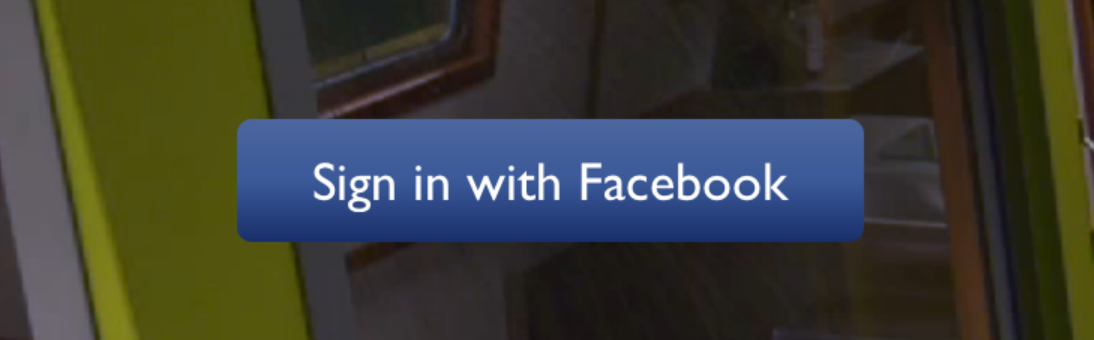
```javascript
// Within your render function
<LinearGradient colors={['#4c669f', '#3b5998', '#192f6a']} style={styles.linearGradient}>
<Text style={styles.buttonText}>
Sign in with Facebook
</Text>
</LinearGradient>
// Later on in your styles..
var styles = StyleSheet.create({
linearGradient: {
flex: 1,
paddingLeft: 15,
paddingRight: 15,
borderRadius: 5
},
buttonText: {
fontSize: 18,
fontFamily: 'Gill Sans',
textAlign: 'center',
margin: 10,
color: '#ffffff',
},
});
You can also use start and end points, as well as specify the locations
for the gradient color changes with the start, end and locations
props:
<LinearGradient
  start={[0.0, 0.25]} end={[0.5, 1.0]}
  locations={[0,0.5,0.6]}
  colors={['#4c669f', '#3b5998', '#192f6a']}
  style={styles.linearGradient}>
  <Text style={styles.buttonText}>
    Sign in with Facebook
  </Text>
</LinearGradient>
Check out [Examples/AnimatedGradient] (git clone this project, cd into it, npm install, open in XCode and run) to see how this is done:
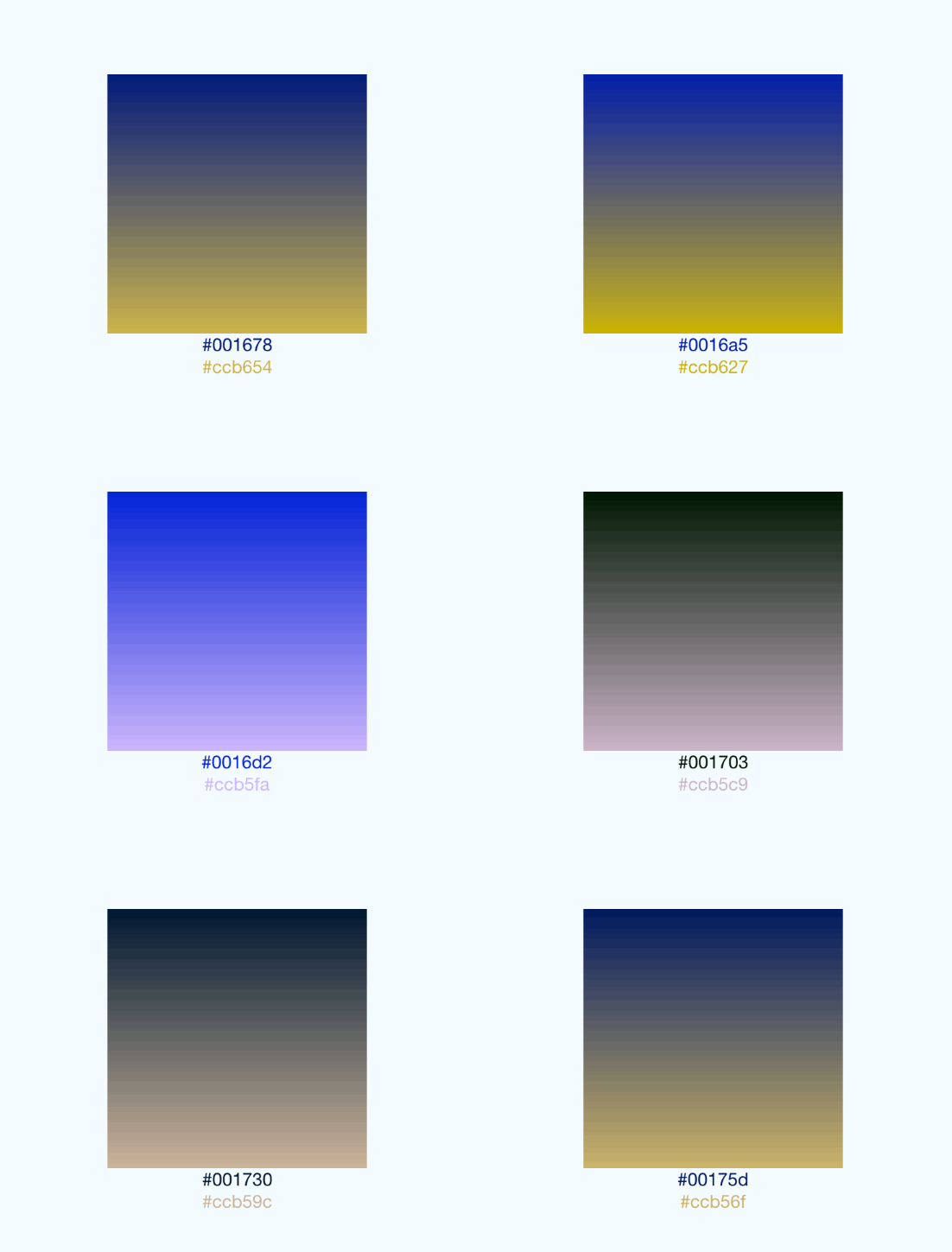
This gif was created using licecap - a great piece of free OSS
You can see this component in action in brentvatne/react-native-login.
License is MIT