Export screenshots from chrome dev tools timeline
- Clone repo
cd repo./activator runto start server in port 9000./activator "run <port>"if you want to run the app in a different port(I like to keep mine always running in port 9500 so it doesn't collide with my local play instance)
- Pick a website

- Open DevTools in timeline tab
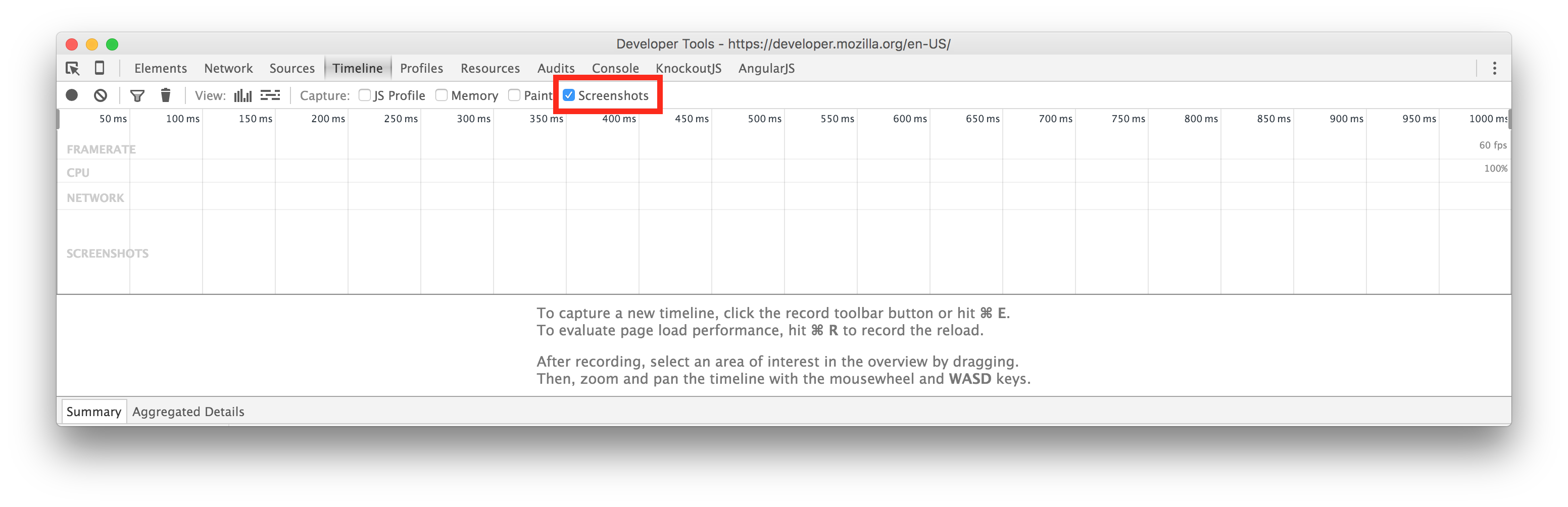
- Select screenshots(I'd recommend unchecking the rest if you don't want them, it will make the upload faster)
- From the dev tools, use
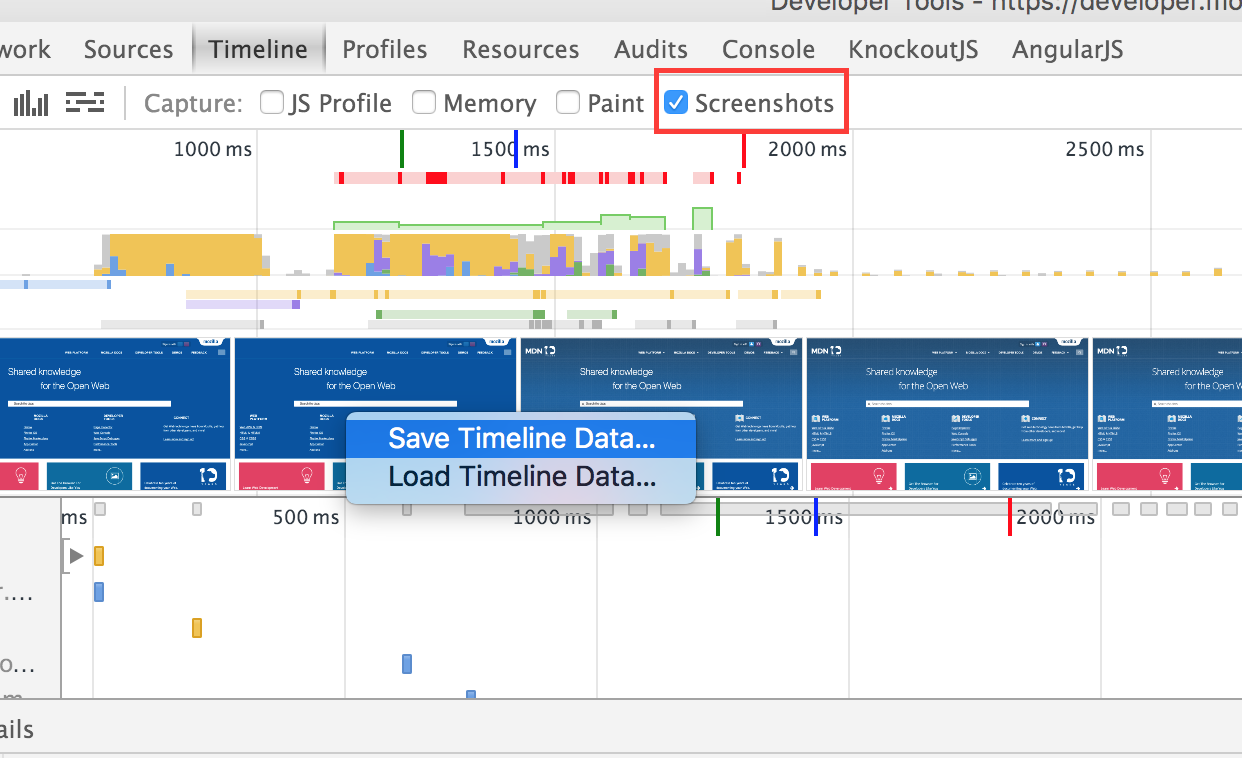
⌘Rin OSX orctrl-Rto reload and record - Right click on the screenshots and save the results
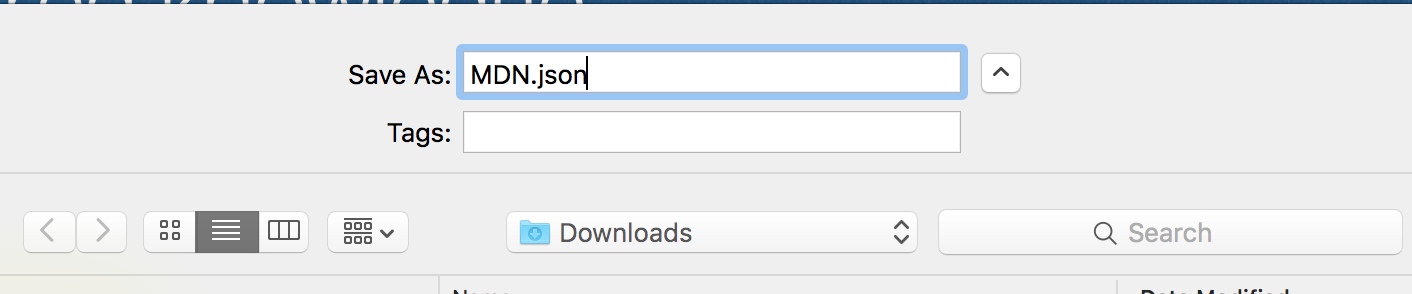
 (a
(a .jsonextension wouldn't hurt)
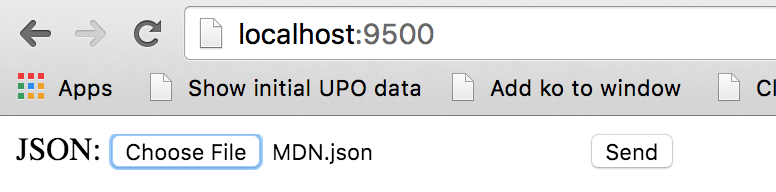
- Upload and send
- Get a zip with the images