


Pad is a standalone version of Cloud Notepad. Allows you to share any text data via unique links.
Data stored in boltdb (embedded key/value database) files under BOLT_PATH.
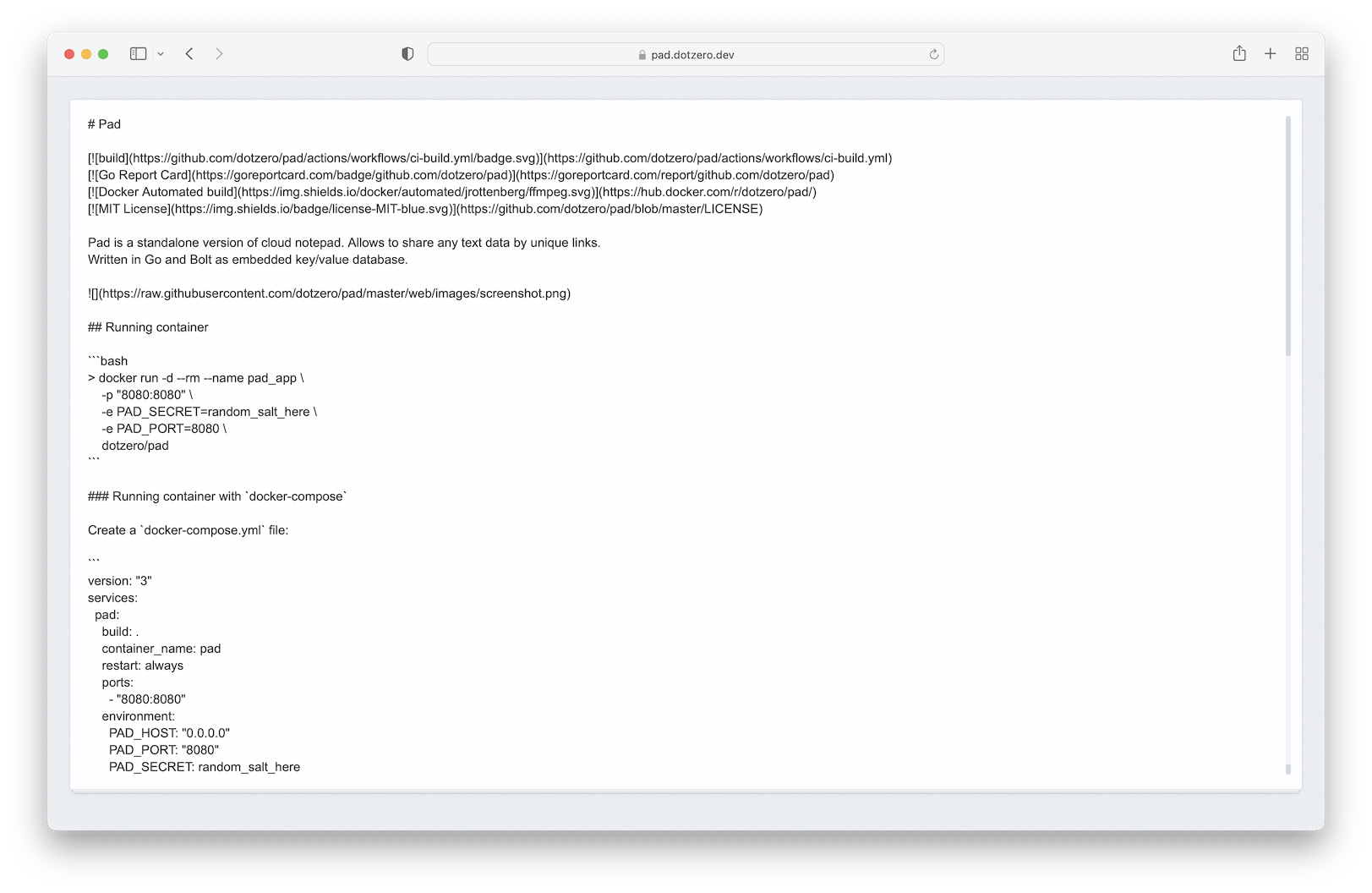
docker run -d --rm --name pad -p "8080:8080" dotzero/padCreate a docker-compose.yml file:
version: "3"
services:
  pad:
    image: ghcr.io/dotzero/pad:latest
    container_name: pad
    restart: always
    logging:
      driver: json-file
      options:
        max-size: "10m"
        max-file: "5"
    ports:
      - "8080:8080"
    environment:
      PAD_HOST: "0.0.0.0"
      PAD_PORT: "8080"
      PAD_SECRET: random_salt_here
    volumes:
      - pad_db:/app/db

volumes:
  pad_db:
Run docker-compose up -d, wait for it to initialize completely, and visit http://localhost:8080
docker build -t dotzero/pad .git clone https://github.com/dotzero/pad
cd pad
go run .Usage:
pad [OPTIONS]
Application Options:
--host= listening address (default: 0.0.0.0) [$PAD_HOST]
--port= listening port (default: 8080) [$PAD_PORT]
--bolt-path= parent directory for the bolt files (default: ./var) [$BOLT_PATH]
--secret= the shared secret key used to generate ids [$PAD_SECRET]
--static-path= path to website assets (default: ./static) [$STATIC_PATH]
--tpl-path= path to templates files (default: ./templates) [$TPL_PATH]
--tpl-ext= templates files extensions (default: .html) [$TPL_EXT]
--verbose verbose logging
-v, --version show the version number
Help Options:
-h, --help Show this help messagePAD_HOST(default:0.0.0.0) - listening addressPAD_PORT(default:8080) - listening portBOLT_PATH(default:./var) - path to BoltDB database (it represents a consistent snapshot of your data)PAD_SECRET(default:empty) - salt that using to generate hashids. Strongly recommend to replace with your own valueSTATIC_PATH(default:./static) - path to web assetsTPL_PATH(default:./templates) - path to templatesTPL_EXT(default:.html) - templates files extensions