A Tasmota scripting based language script to read values of the power meter
1. INTRODUCTION
2. HARDWARES
3. SCREENSHOTS
4. SCRIPT
5. READING
6. CREDITS
The following Tasmota scripting language based script, is not a stand alone working code but it works with the Tasmota open source firmwares. The script option is actually available only on yourself compiled bin. With a Github account you can compile your bin using the easiest Tasmocompiler. You can't find it on precompiled official bins. The script I built allows you reading DDM18SD Modbus Power meter adding it on your compiled Tasmota file. Refer to Tasmota and Tasmota Smart Meter Interface about how to. Pay attention to the rules of the user_config_override.h file.
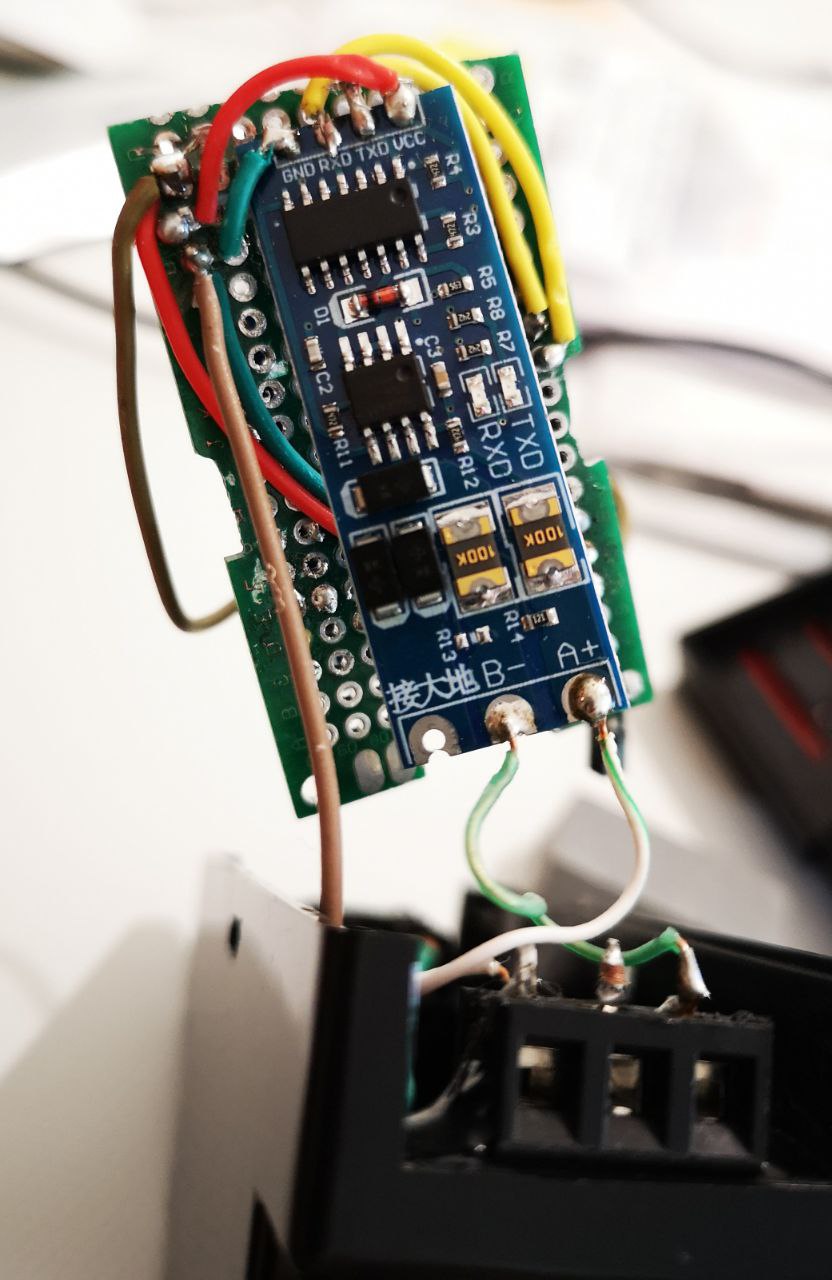
This script has been tested on a Nodemcu and a Wemos D1 mini boards. You need a RS485 to TTL converter board also and a (optional but suggested) AMS1117 3.3 voltage converter board to give an appropriate current to the RS485toTTL board. Soldering ( of your choice) is needed for the final setting.


Here is the script you have to add on your Tasmota script console window
>D
>B
->sensor53 r
>M 1
+1,3,M,0,9600,DDM,1,2,05040000,05040008,05040012,0504001A,05040036,0504002A,05040100,05040400

1,050404ffffffff@i0:1,Tensione,V,DDM_Voltage,2
1,050404ffffffff@i1:1,Corrente,A,DDM_Current,2
1,050404ffffffff@i2:1,Consumo Ist.,W,DDM_Power,2
1,050404ffffffff@i3:1,Reactive power,Var,DDM_React_Power,2
1,050404ffffffff@i4:1,Frequenza,Hz,DDM_Frequency,2
1,050404ffffffff@i5:1,Power factor,,DDM_PF,2
1,050404ffffffff@i6:1,Consumi tot.,Kwh,DDM_Tot_Power,2
1,050404ffffffff@i7:1,Tot. react. power,Kvarh,DDM_Reac_Power,2
#
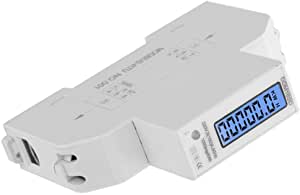
The DDM18SD Power Meter Modbus in my hands has a 8E1 parity and the slave address where you can read the values is the n 5. To have the values on the Tasmota firmware with the shown script you have to leave null the GPIO setting in the Tasmota Web UI settings, since the script has already setted RX on GPIO3 and TX on GPIO1. If you try to compile the Tasmota setting Web UI you can generate a conflict and can't see the values. Read the mentioned Tasmota Smart Meter Interface to the script syntax understanding.

Thanks to Theo Arends and all Tasmota team and coworkers