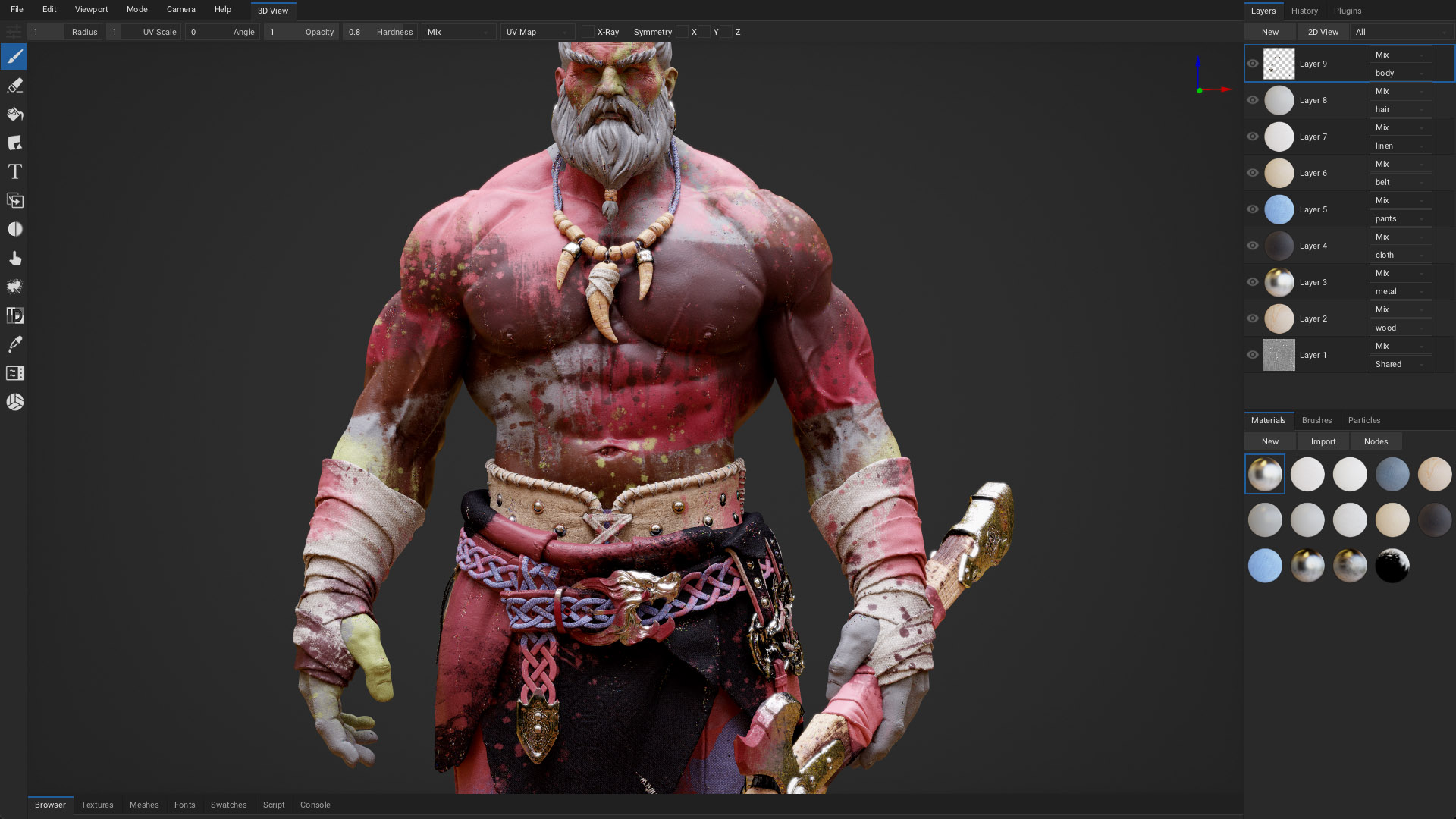


ArmorPaint is a software for 3D PBR texture painting - check out the manual.
Note 1: This repository is aimed at developers and may not be stable. Distributed binaries are paid to help with the project funding. All of the development is happening here in order to make it accessible to everyone. Thank you for support!
Note 2: If you are compiling git version of ArmorPaint, then you need to have a compiler (Visual Studio - Windows, clang + deps - Linux, Xcode - macOS / iOS, Android Studio - Android) and git installed.
git clone --recursive https://github.com/armory3d/armorpaint
cd armorpaint
Windows
# Unpack `armorcore\v8\libraries\win32\release\v8_monolith.7z` using 7-Zip - Extract Here (exceeds 100MB)
armorcore\Kinc\make --from armorcore -g direct3d11
# Open generated Visual Studio project at `build\ArmorPaint.sln`
# Build and run for x64 & release
# Copy build\x64\Release\ArmorPaint.exe to build\krom to run ArmorPaint.exe directly
Linux
armorcore/Kinc/make --from armorcore -g opengl --compiler clang --compile
cd armorcore/Deployment
strip ArmorPaint
./ArmorPaint ../../build/krom
macOS
git apply armorcore/patch/metal_depth.diff --directory=armorcore/Kinc
armorcore/Kinc/make --from armorcore -g metal
cp -a build/krom/ armorcore/Deployment
# Open generated Xcode project at `build/ArmorPaint.xcodeproj`
# Build and run
Android wip
git apply armorcore/patch/android_document_picker.diff --directory=armorcore/Kinc
armorcore/Kinc/make android --from armorcore -g opengl
cp -r build/krom/* build/ArmorPaint/app/src/main/assets/
# Manual tweaking is required for now:
# https://github.com/armory3d/armorcore/blob/master/kincfile.js#L68
# Open generated Android Studio project at `build/ArmorPaint`
# Build for device
iOS wip
git clone https://github.com/armory3d/armorpaint_plugins armorcore/Libraries/plugins
git apply armorcore/patch/ios_document_picker.diff --directory=armorcore/Kinc
git apply armorcore/patch/metal_depth.diff --directory=armorcore/Kinc
armorcore/Kinc/make ios --from armorcore -g metal
cp -a build/krom/ armorcore/Deployment
# Open generated Xcode project `build/ArmorPaint.xcodeproj`
# Set iOS Deployment Target to 11.0
# Build for device in release mode
Windows DXR wip
# Unpack `armorcore\v8\libraries\win32\release\v8_monolith.7z` using 7-Zip - Extract Here (exceeds 100MB)
git apply armorcore/patch/d3d12_raytrace.diff --directory=armorcore/Kinc
armorcore\Kinc\make --from armorcore -g direct3d12
# Open generated Visual Studio project at `build\ArmorPaint.sln`
# Build and run for x64 & release
# Copy build\x64\Release\ArmorPaint.exe to build\krom to run ArmorPaint.exe directly
Linux VKRT wip
git clone --recursive https://github.com/armory3d/glsl_to_spirv armorcore/Libraries/glsl_to_spirv
git apply armorcore/patch/vulkan_raytrace.diff --directory=armorcore/Kinc
armorcore/Kinc/make --from armorcore -g vulkan --compiler clang --compile
cd armorcore/Deployment
strip ArmorPaint
./ArmorPaint ../../build/krom
Windows VR wip
# Unpack `armorcore\v8\libraries\win32\release\v8_monolith.7z` using 7-Zip - Extract Here (exceeds 100MB)
armorcore\Kinc\make --from armorcore -g direct3d11 --vr oculus
# Open generated Visual Studio project at `build\ArmorPaint.sln`
# Build and run for x64 & release
# Copy build\x64\Release\ArmorPaint.exe to build\krom to run ArmorPaint.exe directly
Updating cloned repository
git pull origin main
git submodule update --init --recursive
# Delete `armorpaint/build` directory if present
Generating a locale file
pip install typing_extensions -t Assets/locale/tools
python ./Assets/locale/tools/extract_locales.py <locale code>
# Generates an `Assets/locale/<locale code>.json` file
Release builds Optional, used for best performance
# Compile krom.js using the closure compiler
https://developers.google.com/closure/compiler
# Generate a v8 snapshot file
export ARM_SNAPSHOT=1
armorcore/Kinc/make --from armorcore -g api
./ArmorPaint . --snapshot
# Generates a `krom.bin` file from `krom.js` file