Whether you want to create your own TLD or mint on an existing Domains, we have you covered.
- Bproto: Partnered with Butterfly Protocol, users can buy and sell TLDs in a secure and transparent manner without the need for intermediaries like domain registrars or auction houses.Interested in owning your own TLD? Reach out to our team via Telegram
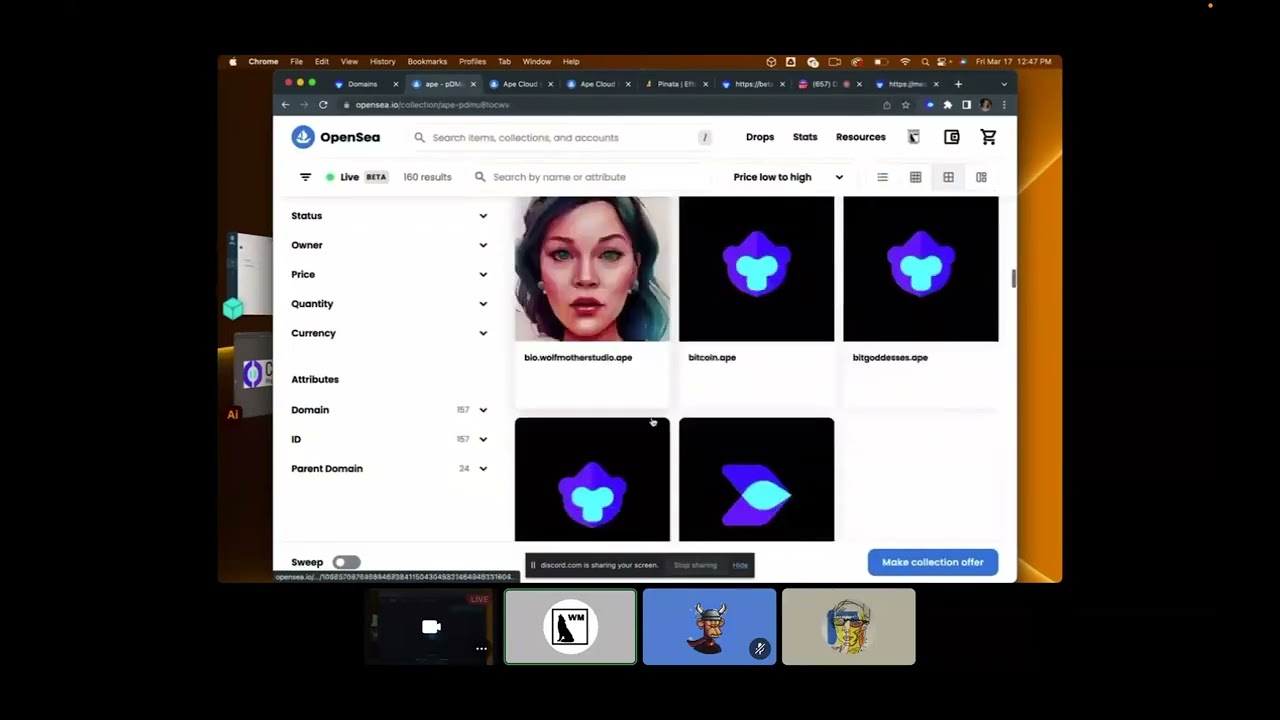
- Ape.Cloud: Ape Domains are limited release, token-gated NFT domains. Need a token for minting? Reach out to our Ape Fam Telegram or purchase one on our OpenSea collection.
- HMN Domains: A free .hmn domain based on your Twitter handle. HMN domains are not currently active for publishing on Cortex Press. More details to come in 2023.
- Stay tuned more TLDs like .pepe and .fire to come in 2023!
Cortex Network is a decentralized content publishing platform that provides an efficient, scalable, and cost-effective method of publishing, organizing, and discovering content on the Web3. Our new platform, Cortex Press, is now live for .ape domain owners, with more domains coming soon.
If you own an .ape domain and are ready to publish your site, you can follow these simple steps:
-
Access Cortex Press: Visit https://cortex.press and log in using your preferred wallet that holds your .ape domain.
-
Choose Your Site: Select the site you wish to edit. For a comprehensive user guide, please refer to cortex.press.md.
-
Publish Your Site: Once you're happy with your site, click on the 'Publish' button to make it live.
If you want to learn more about the features and capabilities of Cortex Press, watch our overview video:

For users with more specific needs, Cortex Press also offers an advanced publishing mode. You can create a CID (Content Identifier) using IPFS or a pinning service like Web3 Storage.
-
Generate CID: Use IPFS or a pinning service like Web3 Storage to create a CID.
-
Paste CID: Find the 'Advanced Mode' section in settings and paste your CID into the designated field.
-
Publish: Click 'Publish' to sign with your wallet and apply your changes and make the updated site live.
Here's a video tutorial on how to use the Advanced Mode: