Quickly generate Guides for a selected element. It is tedious to create guides for a layer using sketch's default layout setting, so this my attempt to ease that effort.
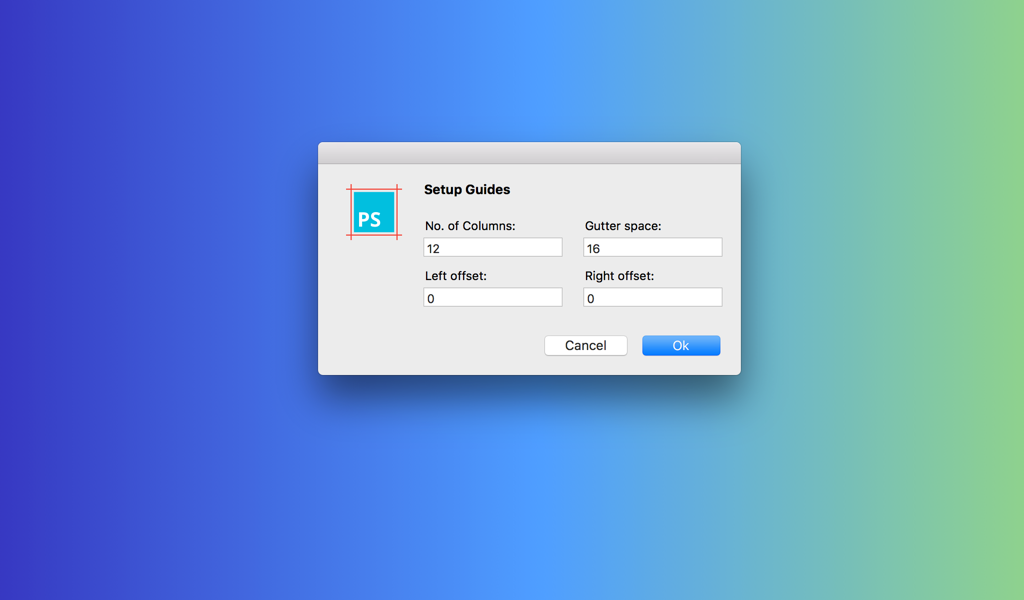
PS-Guides supports Sketch 3.8+ ([why?] Because I haven't tested in older versions! 😛)
- Download the ZIP⬇️
- Unzip, open the folder and double click
PS Guides.sketchplugin - Restart Sketch
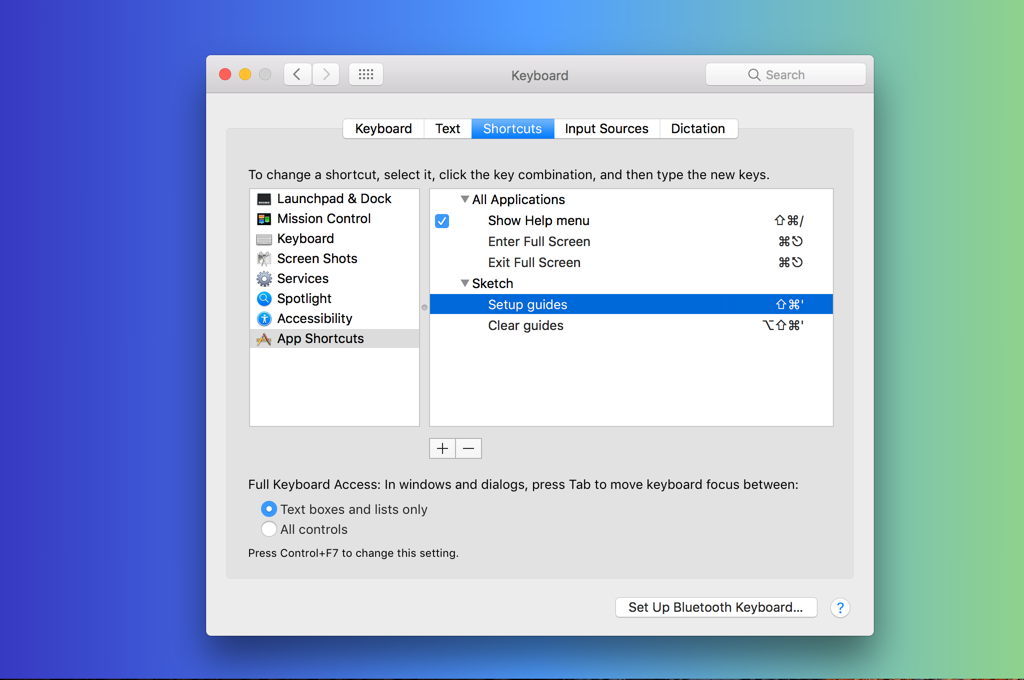
If you’re not a fan of the keyboard shortcuts 📐-Guides ships with, you can change them in System Preferences > Keyboard > Shortcuts. Add a new item for Sketch.app named either Setup Guides or Clear Guides and create a new one.
- Material and/or Bootstrap column layout is the most widely used standard for designs.
- This came to be because I felt that there isn't a clean solution available to do grids for layers (and I had no plans on a Weekend).
PS-Guides is released under the MIT LICENSE.
PS-Guides is made by Pratik Shah.
- Dribbble: https://dribbble.com/pratikshah
- LinkedIn: https://in.linkedin.com/in/shahpratikj
- Email: hello@pratikshah.website