
A keyboard color management tool for Alienware laptops.
This software was initially developed for M15x and M17x laptops. The latest modifications were tested on the M14x R2 and R3 laptops.
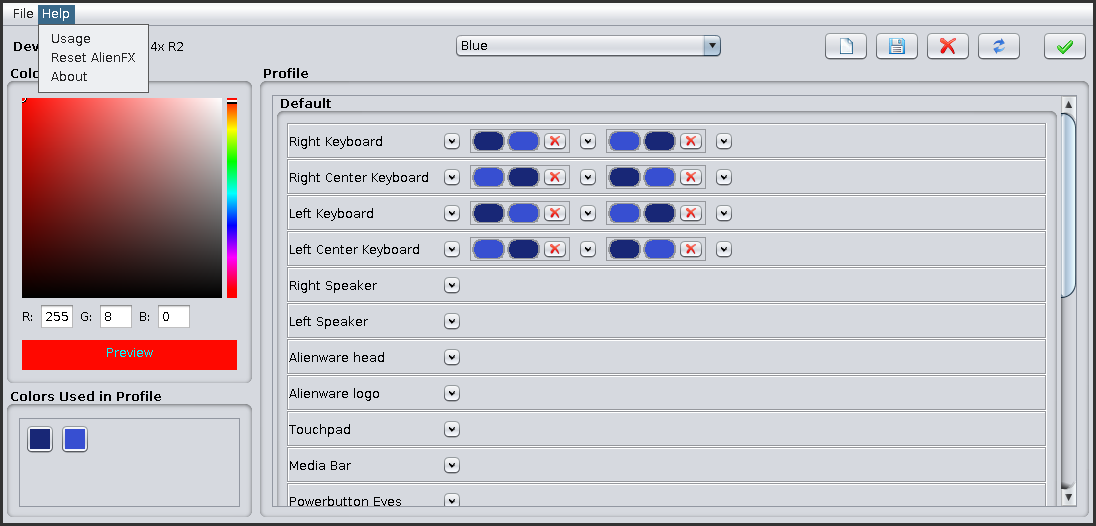
- libusb (version 0.1 and 1.0 supported)
- CMake (>= 2.8)
- Java Development Kit (Java >= 7)
- C++ compiler (gcc or clang)
In order to compile and install the Linux library (libAlienXX.so) and the
Java GUI (AlienFX.jar):
$ mkdir build && cd build
# The default install prefix is /usr/local
$ cmake .. -DCMAKE_INSTALL_PREFIX="YOUR_INSTALL_PREFIX"
$ make
$ make install
AlienFX.jar will be installed in the share directory, and an alienfx-lite
script will be generated. Then, you can launch the program:
- if your user has USB rights:
# By directly using the jar file:
$ java -jar AlienFX.jar
# Or by using the generated script:
$ alienfx-lite- else:
# By directly using the jar file:
$ sudo java -jar AlienFX.jar
# Or by using the generated script:
$ sudo alienfx-lite- Thanks to Ingrater for providing the protocol for the AlienFX device and some windows native code.
- Thanks to Wattos for developing the first versions of AlienFX Lite.