Video Tutorial: https://drive.google.com/file/d/1DyVwC1LILAxA8Otna0wsqkc5GQsomNcI/view?usp=sharing
Install ChromeDriver:
- Download here: https://chromedriver.chromium.org/getting-started
- Follow this tutorial: https://www.swtestacademy.com/install-chrome-driver-on-mac/
Install selenium:
pip install selenium
Install pandas:
pip install pandas
Install vaderSentiment:
pip install vaderSentiment
Install nltk:
pip install nltk
- Clone this repository in a location you will remember.
- Open up a Chrome browser
- Click on the extensions button in the top right corner.
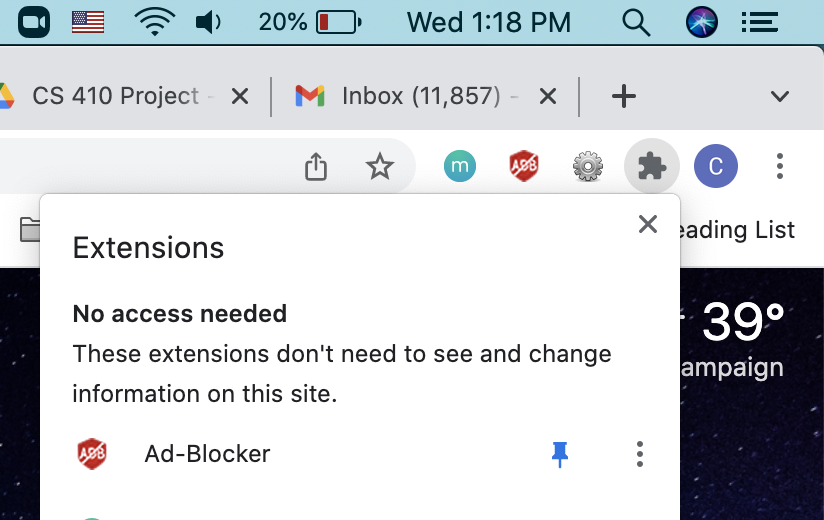
- Click on "Manage Extensions". This should open another tab.
- You should toggle the "Developer Mode" in the top right corner of the page.

- Click "Load unpacked".
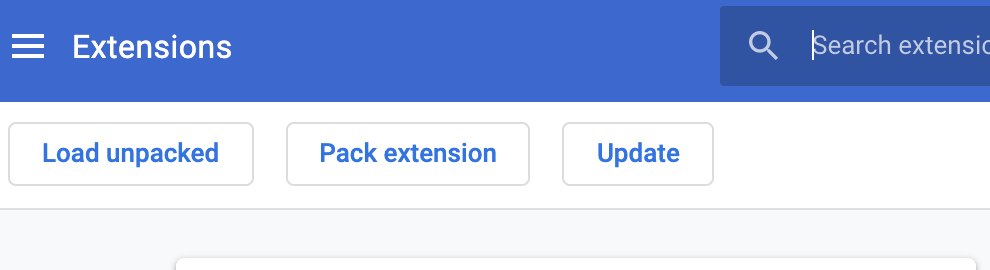
- Navigate to the repository that you cloned and then click into the folder called "chrome_extension". Click the blue select button
- Now you should see this in your extensions
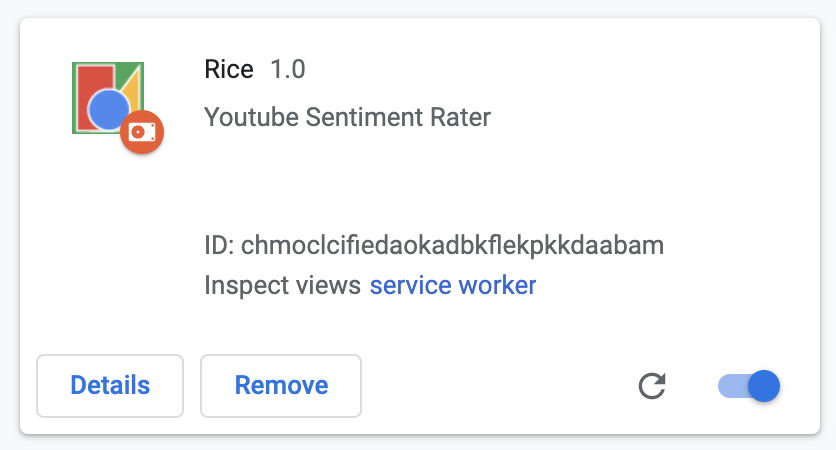
- You need to now click on the extensions button again in the top right corner and pin Rice to your browser bar.

- Open up a Chrome browser to any youtube channel. Navigate to the videos tab of the channel. Your url should look something like "youtube.com/c/username/videos"
- Open the terminal and navigate to the repository you cloned. You should be in /path/to/CourseProject
- Run the server by running this line of code in the terminal
python3 comments_scraping.py - Once you see the message "Server started http://localhost:8080", go to your chrome tab with the youtube channel videos
- Click on the Rice extension icon in the top right corner. You should see a square with a button in the middle.
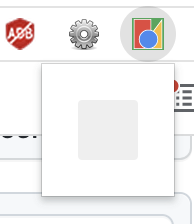
- Click the center button and wait for your results! Give it at least 1.5 minutes to ensure it works.
- You might see something like this:

- A video title highlighted in red means the video's comment section contains an average negative sentiment
- A video title highlighted in green means the video's comment section contains an average positive sentiment
- A video title highlighted in blue menas the video's comment section contains an averager neutral sentiment
- Note: The darker the color the more positive/negative the comments' average sentiment is
NOTE: User of extension must restart server code every time the channel is refreshed or navigated to a new channel. They can do this by executing the following commands in the terminal where the server is running:
- ^C
python3 comments_scraping.py