Replacement of UIRefreshControl, and more functions.
ScrollEdgeControl is a UI component that is similar to UIRefreshControl. but it pulls up to the even further abstracted component.
ScrollEdgeControl can attach to every edge in a scroll view. For instance, pulling to down, up, left, right to trigger something activity such as refreshing. (pull-to-activate)
It supports also disabling pull-to-activate, it would be useful in case of displaying as a loading indicator at bottom of the list.
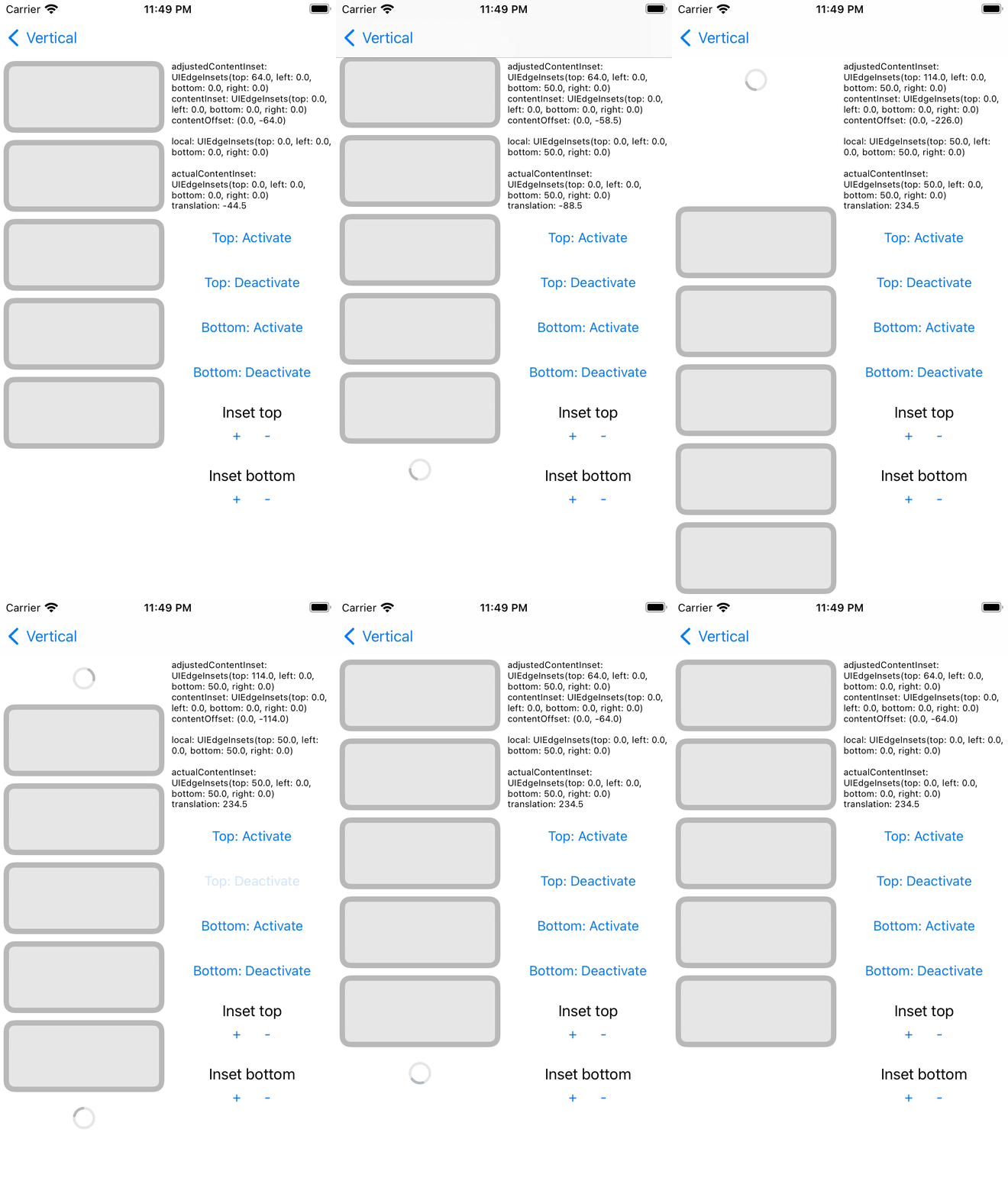
Vertical
| Top | Bottom |
|---|---|
 |
 |
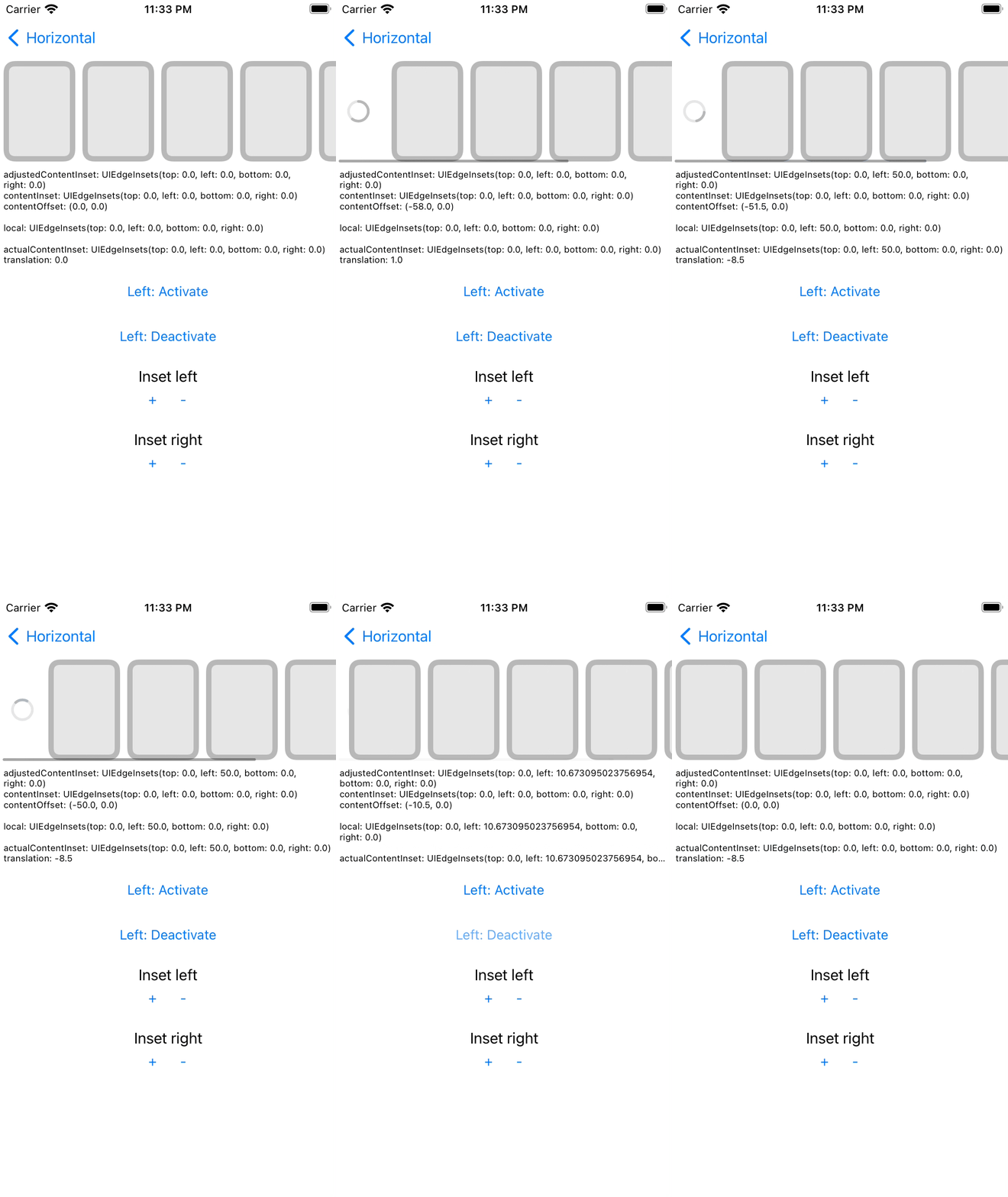
Horizontal
| Left | Bottom |
|---|---|
 |
 |
More patterns
| pull to refresh and additional loadings |
|---|
 |
Cocoapods
Including custom activity indicator
pod "ScrollEdgeControl"If you need only core component
pod "ScrollEdgeControl/Core"SwiftPM
dependencies: [
    .package(url: "https://github.com/muukii/ScrollEdgeControl.git", exact: "<VERSION>")
]Setting up
let scrollEdgeControl = ScrollEdgeControl(
  edge: .top, // ✅ a target edge to add this control
  configuration: .init(),  // ✅ customizing behavior of this control
  activityIndicatorView: ScrollEdgeActivityIndicatorView(color: .black) // ✅ Adding your own component to display on this control
)
let scrollableView: UIScrollView // ✅ could be `UIScrollView`, `UITableView`, `UICollectionView`
scrollableView.addSubview(scrollEdgeControl) // ✅ Could add multiple controls for each edgeHandling
scrollEdgeControl.handlers.onDidActivate = { instance in

  ...

  // after activity completed
  instance.setActivityState(.inactive, animated: true)
}WIP
Advance helps animation in the scroll view.
It is a library to run animations with fully computable values using CADisplayLink.
UIScrollView's animations are not in CoreAnimation.
Those are computed in CPU every frame. that's why we can handle it in the UIScrollView delegate.
We can update content offset with UIView animation, but sometimes it's going to be weird animation.
To solve it, using CADisplayLink, update values for each frame.
Refs:
MIT