Telegram bot link : http://t.me/contestsNOTIFY_bot
It is a telegram bot which scrapes codechef contests details and notify users on there custom timings. I have also used gmail api by which it also notifies users through gmail on custom timings.
Clone the project
git clone https://github.com/Xaier310/Contests-Notification.gitGo to the project directory
cd Contests-NotificationInstall dependencies
npm installStart the server
node Notifyme.jsSome commands :
To get codechef notification :
/cc_addme
To stop notification of codechef :
/cc_removeme
To set timing ( like if you want notification 5 minutes before contest starts then use ) :
/cc_addtime 5min
To add multiple timings( Give timings seperated with space ) Like :
/cc_addtime 5min 2hr 3min
To remove your timing ( like you don't want notification before 5 minutes anymore then use ) :
/cc_removetime 5min
To remove multiple timings( Give timings seperated with space ) Like :
/cc_removetime 5min 2hr 7min
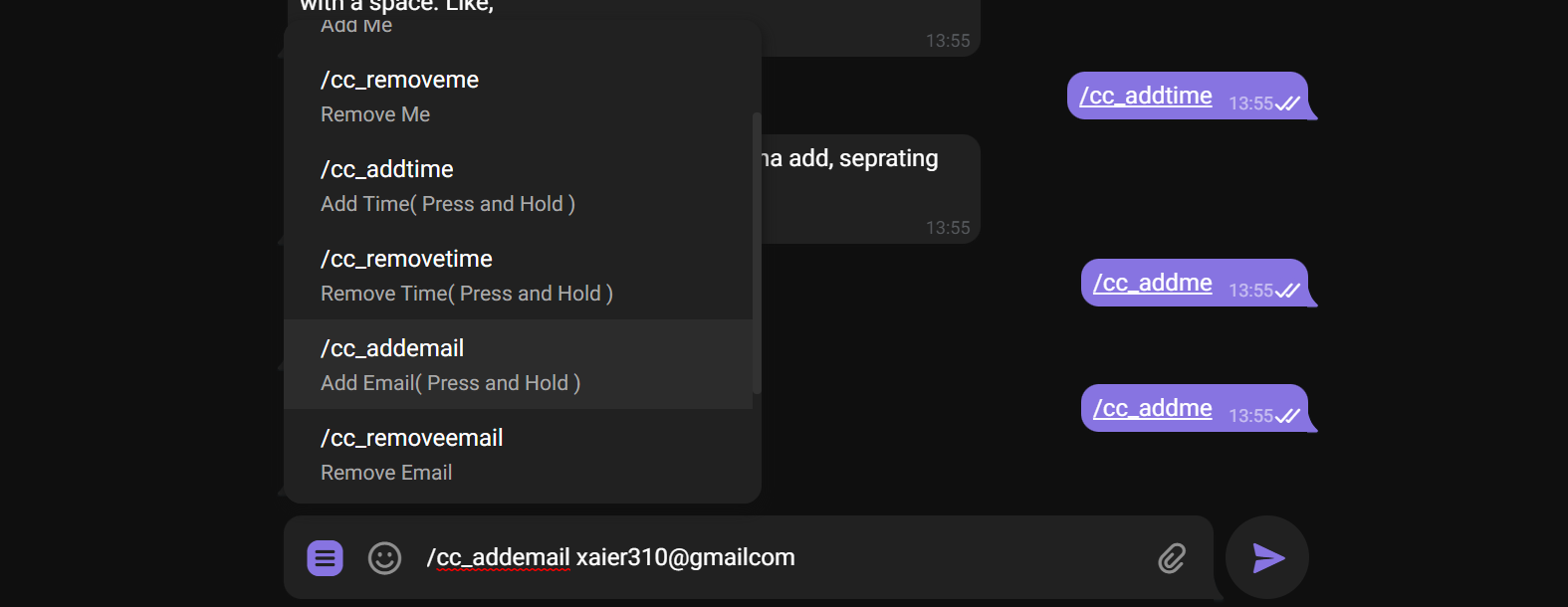
To get notifications on email as well then use :
/cc_addemail xyz@gmail.com
To remove email( If you don't want notification on email anymore ) :
/cc_removeemail
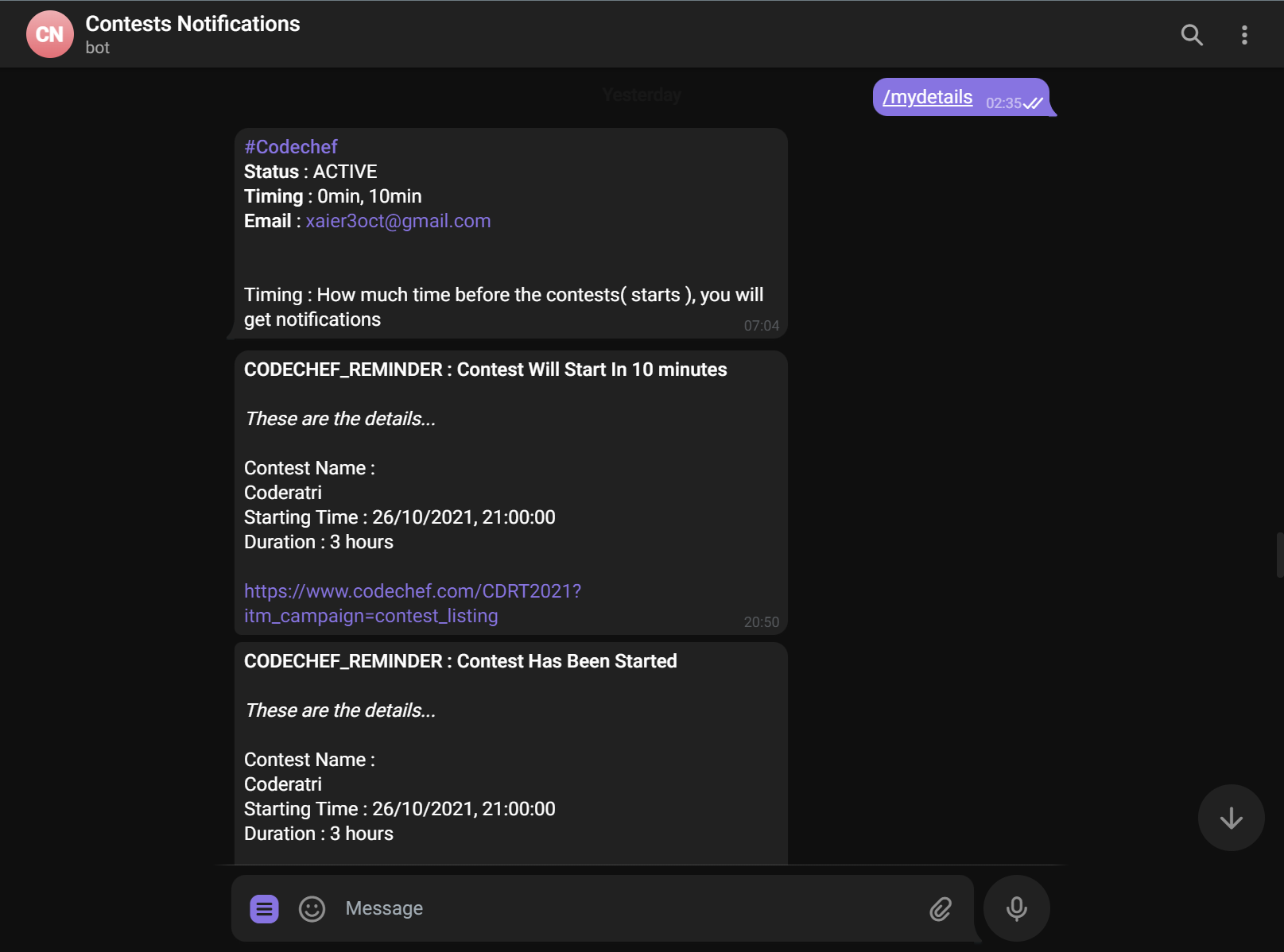
To see your timings, email & status :
/mydetails
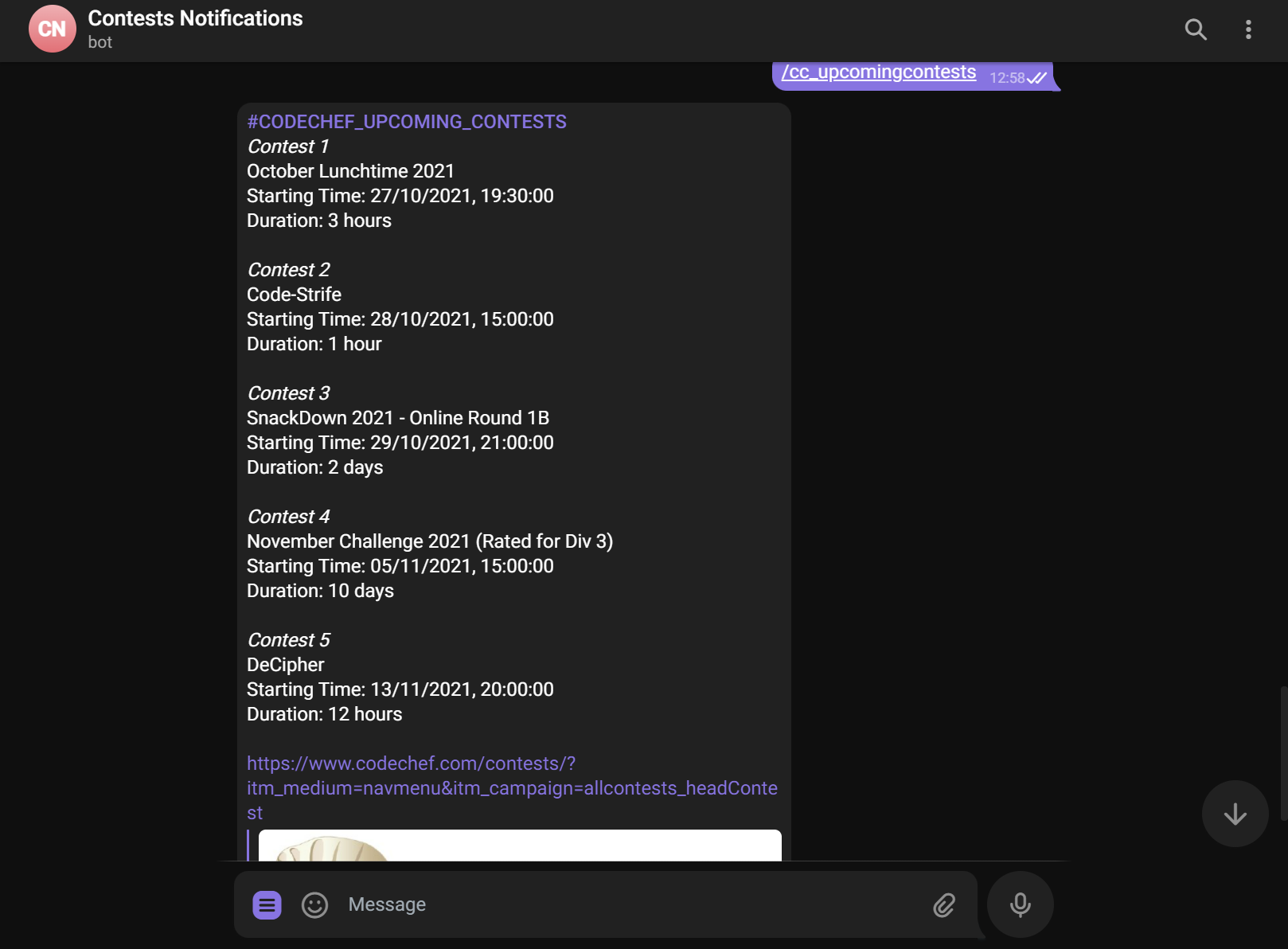
To see codechef upcoming contests list :
/cc_upcomingcontests
To see this message again :
/help
Default setting :You will get automatically notification 10 minutes before the contests starts and when contests starts. To costimize your timings use
/cc_addtime and /cc_removetime
Since heroku uses:- Dyno sleeping in which if an app has a free web dyno, and that dyno receives no web traffic in a 30-minute period, it will sleep. In addition to the web dyno sleeping, the worker dyno (if present) will also sleep. and if a sleeping web dyno receives web traffic, it will become active again after a short delay (assuming your account has free dyno hours available) You can use (http://kaffeine.herokuapp.com) to ping the heroku app every 30 minutes to prevent it from sleeping.
1.