


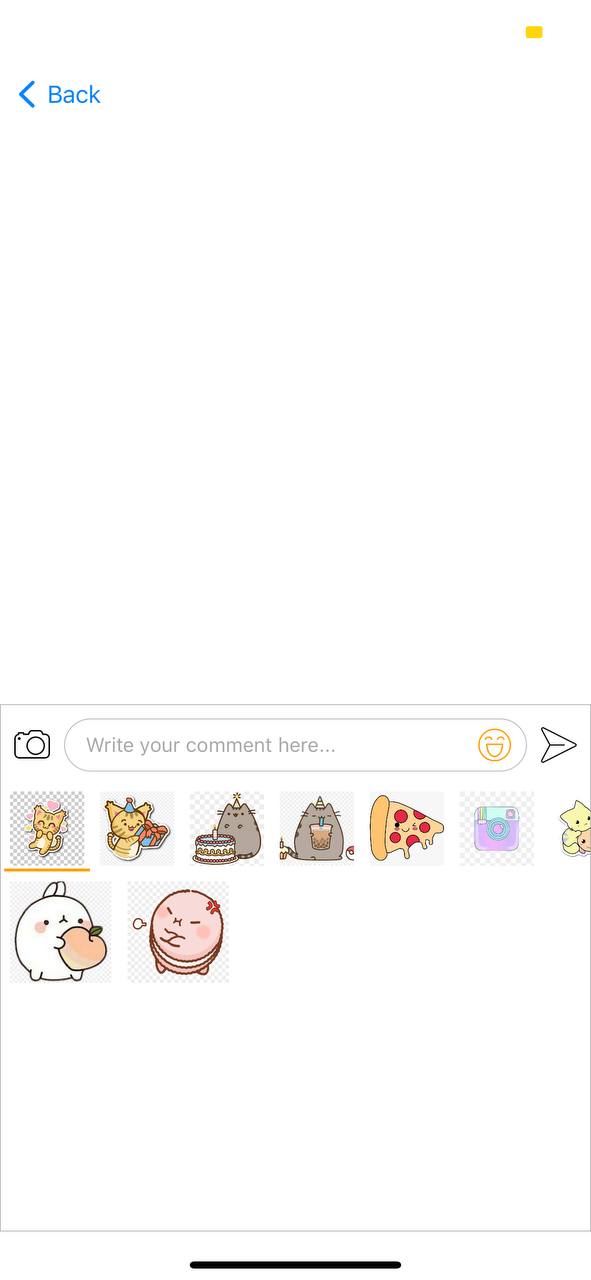
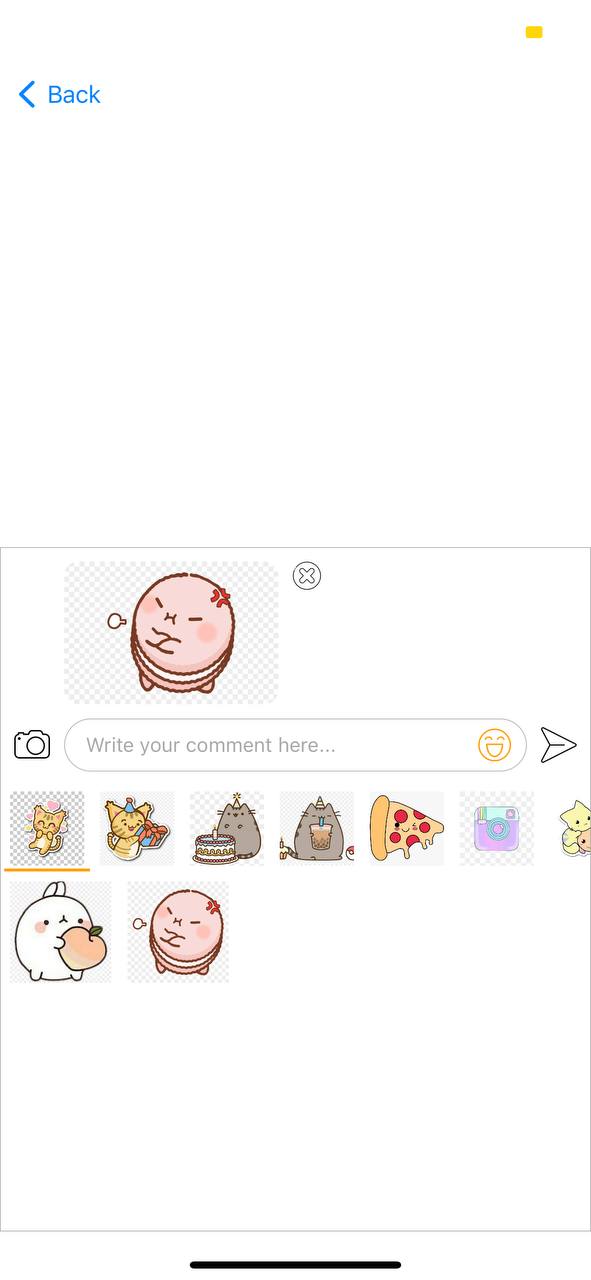
To run the example project, clone the repo, and run pod install from the Example directory first.
- Comment with sticker and photo
- Display photo and sticker before sending
- iOS 9.0+
- Swift 4 & 5
- BJCollection
- Nuke
- DKImagePickerController
BJTextView is available through CocoaPods. To install it, simply add the following line to your Podfile:
pod 'BJTextView'class ViewController: UIViewController {
/// Declare bottom NSLayoutConstraint to popup & dimiss textView with animation
var bottomConstraint: NSLayoutConstraint?
/// To declare comment textView
lazy var vComment: BJCommentTextView = {
let view = BJCommentTextView()
view.translatesAutoresizingMaskIntoConstraints = false
view.delegate = self
return view
}()
override func viewWillAppear(_ animated: Bool) {
super.viewWillAppear(animated)
registerForKeyboardNotifications()
}
/// Popup keyboard when view appear
override func viewDidDisappear(_ animated: Bool) {
super.viewDidDisappear(animated)
view.endEditing(true)
vComment.dismissKeyboard()
}
/// Dimiss keyboard when view disappear
override func viewWillDisappear(_ animated: Bool) {
super.viewWillDisappear(animated)
view.endEditing(true)
vComment.dismissKeyboard()
}
deinit {
deregisterFromKeyboardNotifications()
}
override func viewDidLoad() {
super.viewDidLoad()
view.backgroundColor = .white
setupComponent()
vComment.popupKeyboard()
}
/// Handle click outsize to dismiss keyboard
@objc func handleTap() {
view.endEditing(true)
vComment.resetSticker()
}
/// Setup component
func setupComponent() {
view.addSubview(vComment)
vComment.leftAnchor.constraint(equalTo: view.leftAnchor).isActive = true
vComment.rightAnchor.constraint(equalTo: view.rightAnchor).isActive = true
bottomConstraint = vComment.bottomAnchor.constraint(equalTo: view.safeAreaLayoutGuide.bottomAnchor, constant: 0)
bottomConstraint?.isActive = true
}
/// Handle keyboard notification to popup commentTextView
@objc func handleKeyBoardNotification(notification: Notification) {
if notification.name == UIResponder.keyboardWillShowNotification {
vComment.resetSticker()
}
if let keyboardSize = (notification.userInfo?[UIResponder.keyboardFrameEndUserInfoKey] as? NSValue)?.cgRectValue
{
let isKeyboardShowing = notification.name == UIResponder.keyboardWillShowNotification
bottomConstraint?.constant = isKeyboardShowing ? -(keyboardSize.height - view.safeAreaInsets.bottom): 0
UIView.animate(withDuration: 0, delay: 0, options: .curveEaseOut) {
self.view.layoutIfNeeded()
} completion: { completed in }
}
}
/// Register keyboard notification
func registerForKeyboardNotifications(){
//Adding notifies on keyboard appearing
NotificationCenter.default.addObserver(self, selector: #selector(handleKeyBoardNotification(notification:)), name: UIResponder.keyboardWillShowNotification, object: nil)
NotificationCenter.default.addObserver(self, selector: #selector(handleKeyBoardNotification(notification:)), name: UIResponder.keyboardWillHideNotification, object: nil)
view.addGestureRecognizer(UITapGestureRecognizer(target: self, action: #selector(handleTap)))
}
/// Unregister from keyboard notification
func deregisterFromKeyboardNotifications(){
//Removing notifies on keyboard appearing
NotificationCenter.default.removeObserver(self, name: UIResponder.keyboardWillShowNotification, object: nil)
NotificationCenter.default.removeObserver(self, name: UIResponder.keyboardWillHideNotification, object: nil)
}
}
/// Use to handle event delegate
extension ViewController: BJCommentDelegate {
/// handle click on sticker
func didSelectSticker(_ isSelected: Bool) {
if isSelected == true && vComment.stickerData == nil {
/// Call sticker sevice
}
}
/// handle click on send
func sendComment(_ comment: BJCommentModel) {
print("Comment => \(comment)")
}
}
```
## Author
Sovannra, sovannrakong@gmail.com
## License
BJTextView is available under the MIT license. See the LICENSE file for more info.