HMSegmentedControl




HMSegmentedControl 中文注释翻译版,添加控制,HMSegmentedControlSelectionStyleTextWidthStripe 的时候指示器的长度。 添加字段控制指示器和文字的宽度差 添加字段控制指示器是否显示圆角 添加字段控制box的edgeInsert



- 📸 Supports both text and images
↕️ Multiple sizing and selection styles- 📜 Horizontal scrolling for an infinite number of segments
- ⚙️ Advanced title styling with text attributes for font, color, kerning, shadow, etc
- 🖥 Compatible with both Swift and Objective-C
- 📱 Updated for Xcode 11, iOS 13 and Swift 5. Supports all the way back to iOS 7!
pod 'HMSegmentedControl'
Installation via Carthage is also supported..
The code below will create a segmented control with the default looks:
let segmentedControl = HMSegmentedControl(sectionTitles: [
    "Trending",
    "News",
    "Library"
])

segmentedControl.frame = CGRect(x: 0, y: 0, width: 100, height: 40)
segmentedControl.addTarget(self, action: #selector(segmentedControlChangedValue(segmentedControl:)), for: .valueChanged)
view.addSubview(segmentedControl)
Included is a demo project showing how to fully customize HMSegmentedControl.



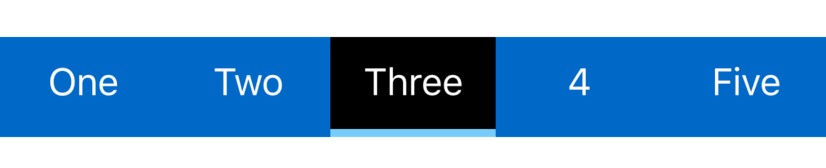
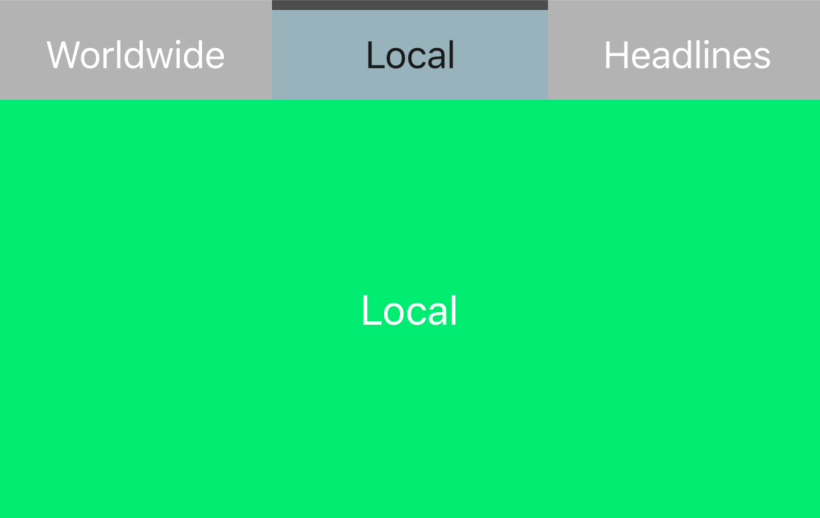
If you are using HMSegmentedControl in your app or know of an app that uses it, please add it to this list.
If you need help with HMSegmentedControl, or with iOS/Swift development in general, check out swiftmentor.io
HMSegmentedControl is licensed under the terms of the MIT License. Please see the LICENSE file for full details.
If this code was helpful, I would love to hear from you.