
- Read Notes Below!
- Download and Install Infinite Geo-Filter ⬇️
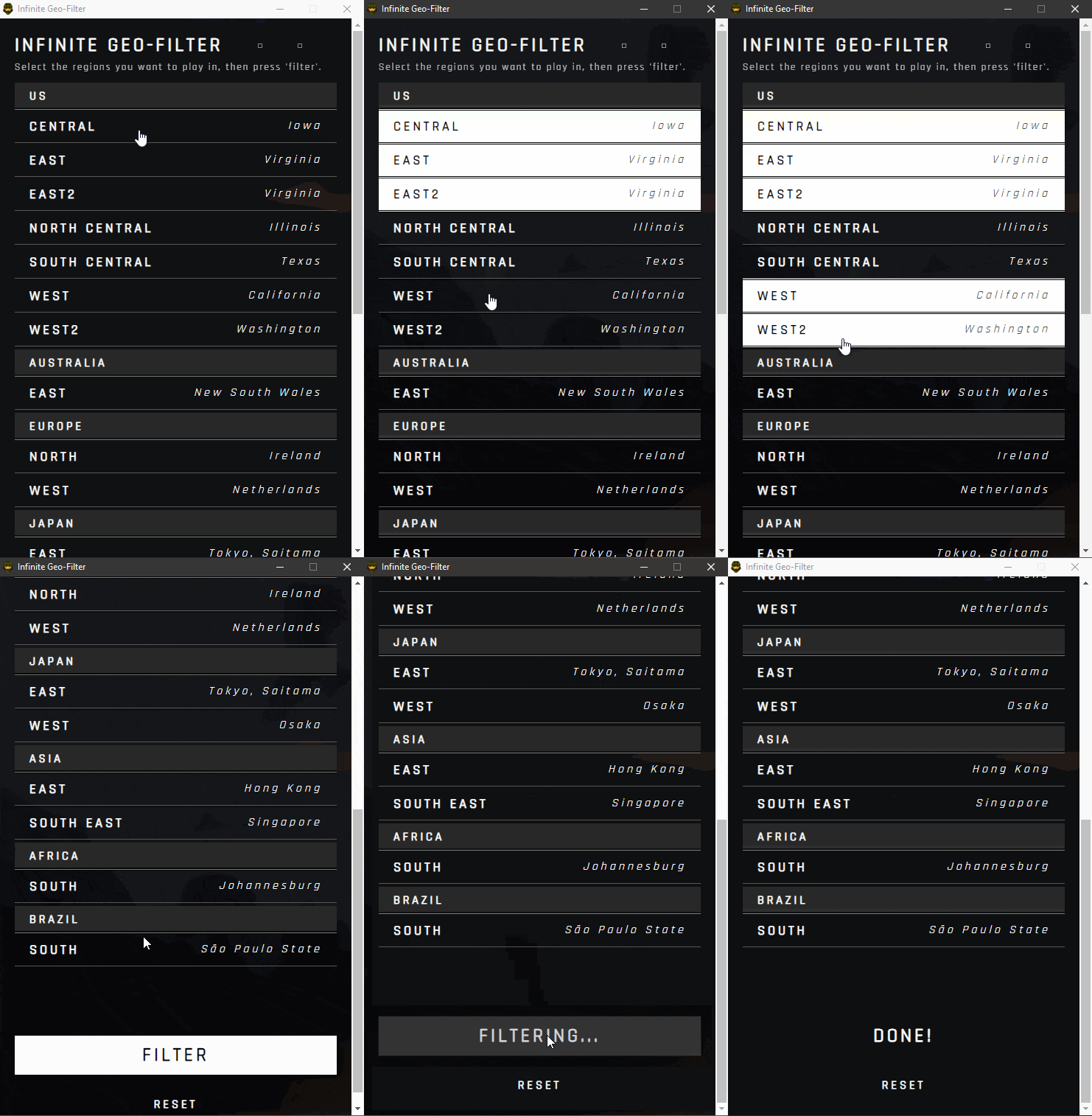
- After Instllation, select the regions you want to play in and click "Filter"
- Restart Halo Infinite
Congratualtions, you're done! 🎉
- You WILL get a warning when installing, this is because Microsoft only trusts software distributors with a known reputation for publishing trustworthy software, and I am just a guy who built this app for fun and convenience.
- You WILL need to allow admin access to apply the filters as this application is basically just a simple way of re-writing your computer "hosts" file, essentially it is a UI for following the process shown here
- Never download software that you don't trust! Unfortunately, you don't know how cool and trustworthy I am... so all of the source code is available above for any other developer to look at and behold my coding prowess.
- You will only be able to connect to the servers you selected before clicking "Filter", so make sure you and your teammates choose the same servers or you won't be able to play together!!
- You can remove the filters at any time by pressing "Reset"
Enjoy! 😃