Sticky is a note-taking app for the Linux desktop that simulates traditional "sticky note" style stationery on your desktop. Some of its features include basic text formatting (bold, italics, monospaced, etc.), spell-checking, a tray icon for controlling note visibility, color notes, manual and automatic backups, and a manager to organize your notes into groups. Sticky is written in Python, and uses the GTK3 toolkit
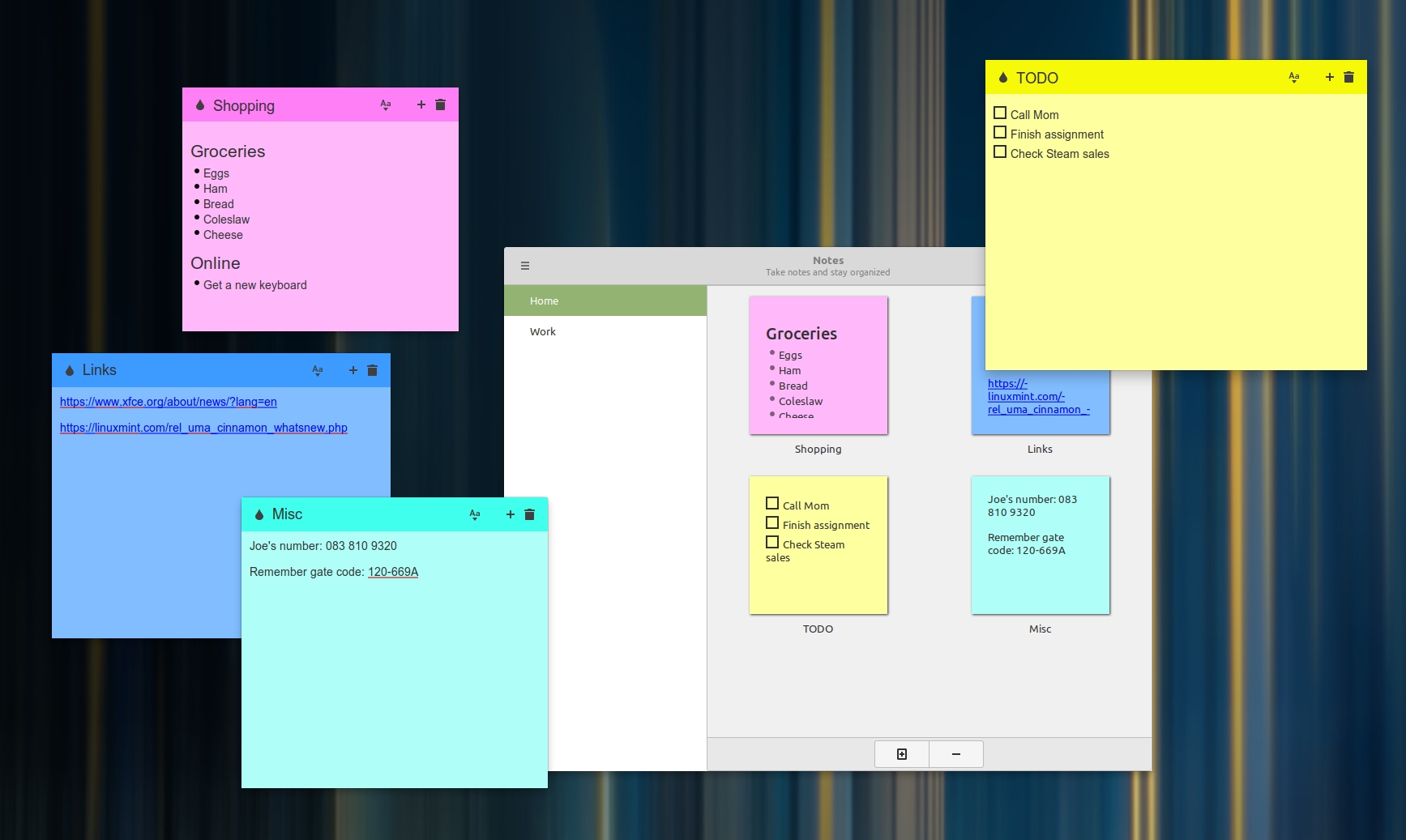
Open Source Sticky Note Application
Automatically Save Notes
Sync Your Note With Dropbox Account(Use This Account To Start Your Sticky Notes Where You Left Off)
Choose Background And Title Bar Color You Like
Editing Options Like Font,Bold,Size,Italic,List,Align.etc
Add Images To Note From Local Drive
Add Audio To Note From Local Drive
Add Video To Note From Local Drive
Lock The Note
Import Note From A File
Export Note To A File
Undo,Redo Options
Spellcheck
Profiles
Light And Dark Theme
# Clone this repo:
git clone https://github.com/collinss/sticky.git

# Enter the folder:
cd sticky
# Try to build. If this fails, it's probably due to missing dependencies.
# Take note of these packages, install them using apt-get:
dpkg-buildpackage --no-sign

# Once that succeeds, install:
cd ..
sudo dpkg -i sticky*.deb

# If this fails, make note of missing runtime dependencies (check list below),
# install them, repeat previous command (apt-get install -f may also work).
sudo cp -r usr/* /usr/
chmod +x /usr/bin/sticky
sudo cp etc/xdg/autostart/sticky.desktop /etc/xdg/autostart/
- gir1.2-glib-2.0
- gir1.2-gtk-3.0 (>= 3.20.0)
- gir1.2-xapp-1.0 (>= 1.6.0)
- gir1.2-gspell-1
- python3
- python3-gi
- python3-xapp (>= 1.6.0)
Please use Launchpad to translate Sticky Notes: https://translations.launchpad.net/linuxmint/latest/.
The PO files in this project are imported from there.
- Code: GPLv2