

logo-style -> rosh(n)i(vim)
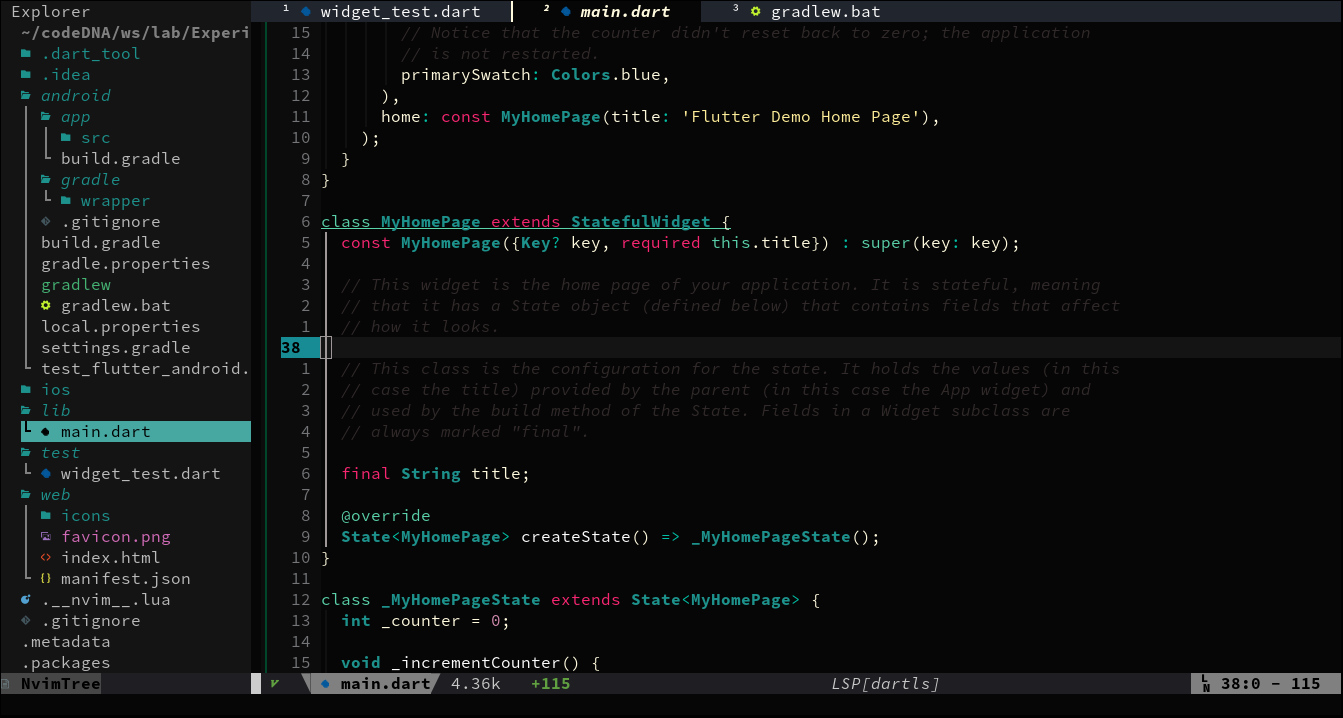
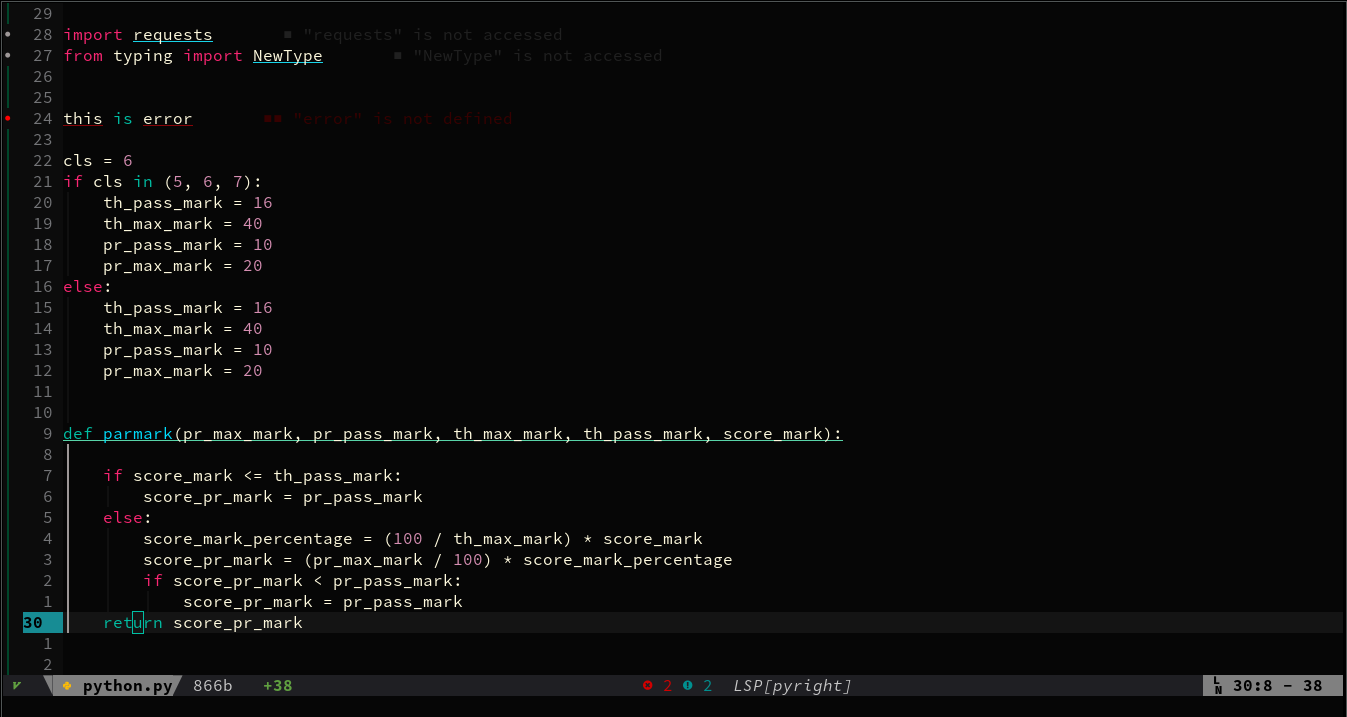
roshnivim, can be called neovim's distro, is a predefined configs so that you don't need 1000hr to setup neovim as an IDE.
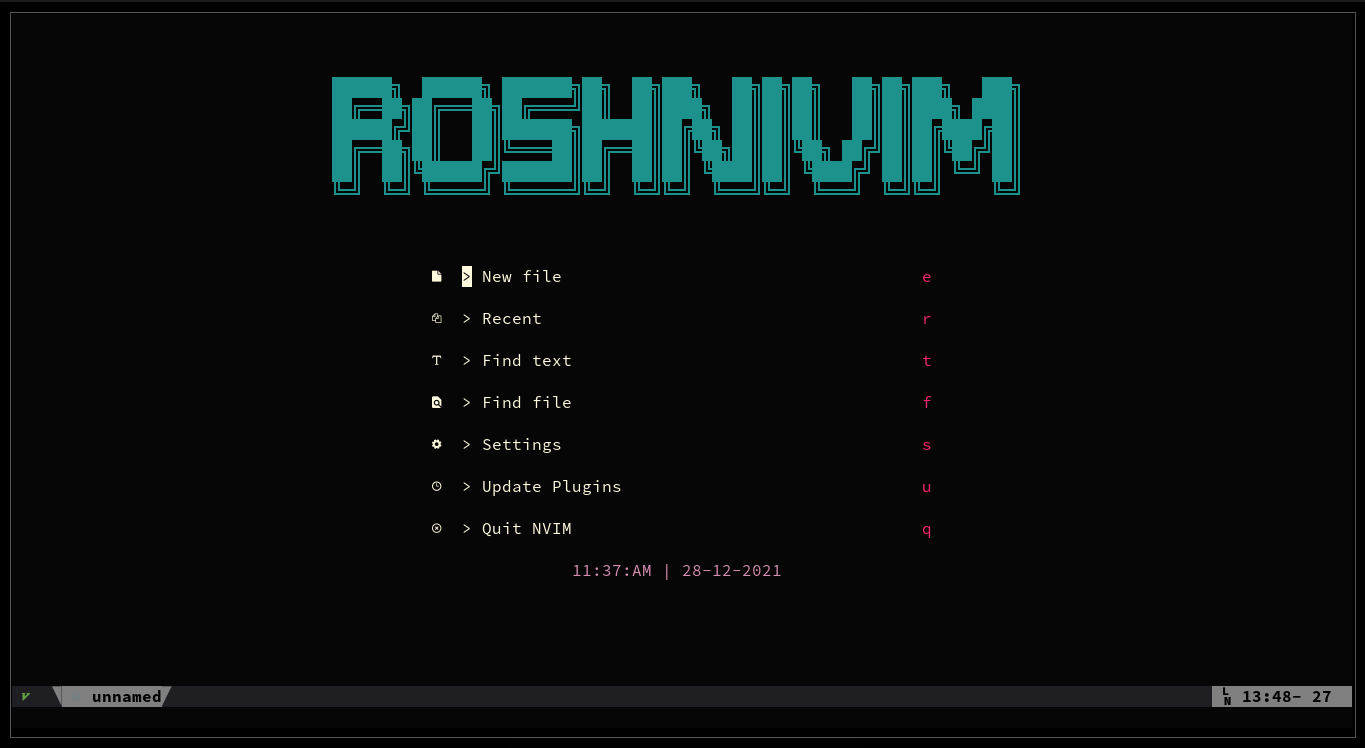
Project based config loading( you can define configs in.__nvim__.luafile in the root of your working project so that you don't have to change config everytime you work on new/seperate project )Your own custom configs and Mappings(if you don't like roshnivim's default config/mapping, you can change/override it on override_defalut.lua OR~/.__nvim__.luafile )Separate config file for each pluginseach plugin has their own config file which is defined in lua/plugins directoryEasily Disable pluginroshnivim's using packer as plugin manager. conmmenting outconfigoption from plugin options in packer config file will disable that pluginEasy Installationinstall roshnivim with single command
roshnivim can be installed by just runing a script.
- neovim >= 6.0
single command to install roshnivim
python <(curl -s https://raw.githubusercontent.com/shaeinst/roshnivim/main/setup.py)or if you want to install it by cloning
git clone https://github.com/shaeinst/roshnivim
cd roshnivim
python setup.py
pass --delete 1 as an argument if you don't want to keep .git, README.md, LICENSE and setup.py file.
Example:
python <(curl -s https://raw.githubusercontent.com/shaeinst/roshnivim/main/setup.py) --delete 1NOTE1:
it could take some time depending on you connection (it's going to install plugins and some LSs).
So, be patient and follow the output throw by setup.py script
NOTE2:
only some LSs are going to be installed. for more, install with LspInstall
for example: to install C/C++'s LS :LspInstall clangd
every one has their own favourite configs and keybindings. roshnivim try its best to provide likable configs and mapping.
so in case you don't like to use mapping or configs by roshnivim, you can change it in override_defalut.lua file.
├── extra/
│   └── snippets/                  / custom defined snippets
│   ...
├── init.lua                       / load/source configs | heart of roshnivim
├── lua/
│   ├── configs.lua                / configs that's don't depends on plugins
│   ├── mappings.lua               / mappings that don't depends on plugins
│   ├── customs/
│   │   ├── project_env.lua        / load configs from .__nvim__.lua file defined in any project you're working on
│   │   ├── override_defalut.lua   / configs to override defined config
│   │   └── roshniline.lua         / i am working on it. btw it's a status line
│   └── plugins/                   / dir containing configs for plugins. each plugin has it's own config and can be locaed through init.lua file
│       └── packer_nvim.lua        / manage plugins
│       ...
├── plugin/                        / auto-created by plugin manager
└── setup.py                       / python-script to install/update roshnivim
; M to show mappings (it will show mapping in telescope)
; is a leader key. you can change it in init.lua file
Distributed under the MIT License.
- write decent documentation
- shows false line number on status line (sometime)
- Neovim -- for awesome EDITOR
- shaankhan -- for readme
- Neovim-Subreddit -- for awesome supporting community
- LunarVim -- for some reference
- Plugin Authors -- without you, neovim is incomplete
- and YOU